Vectorworks 2010 Products 41
Vectorworks Spotlight 2010 Getting Started Guide
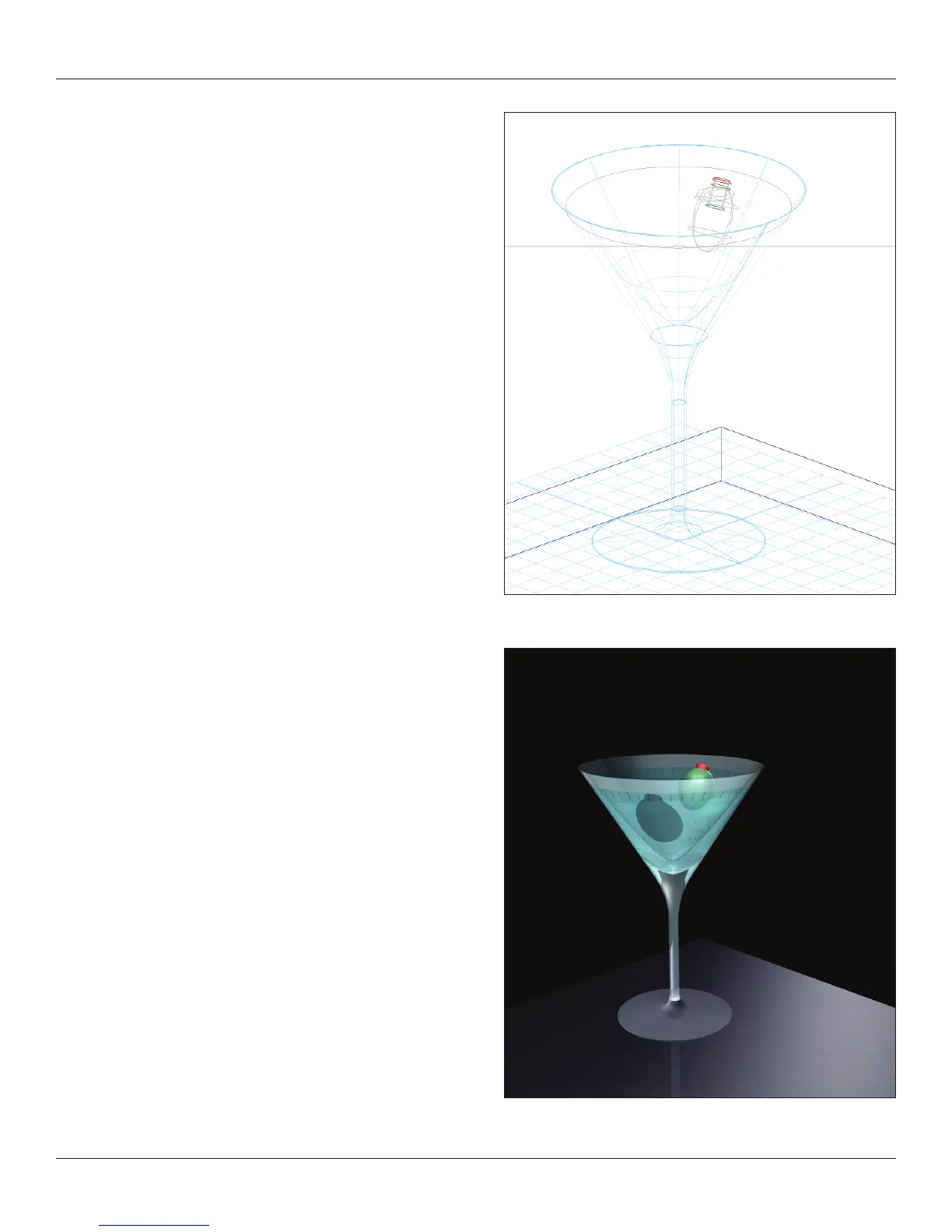
With my shapes drawn and positioned, I go to Model>Sweep,
enter a full 360° and accept the other defaults and almost
instant Martini.
You can add the olive later and once you have seen and explored
the 3D Drawing Tools.
My example rendering skips a few steps in the book, but I hope it
whets your appetite for learning more.



 To Next Page