Vectorworks 2010 Products 69
Vectorworks Spotlight 2010 Getting Started Guide
I have also rendered this simple design, set some light levels, turned some instruments off, added some lights as I felt necessary in the
visualization phase and added gobos. We have reviewed all of those steps or we will review them as we move forward, but you should
make your own design choices. All of these les, like this plot, are relatively simple, to allow for ready understanding of the concepts.
Your work will likely be much more complicated.
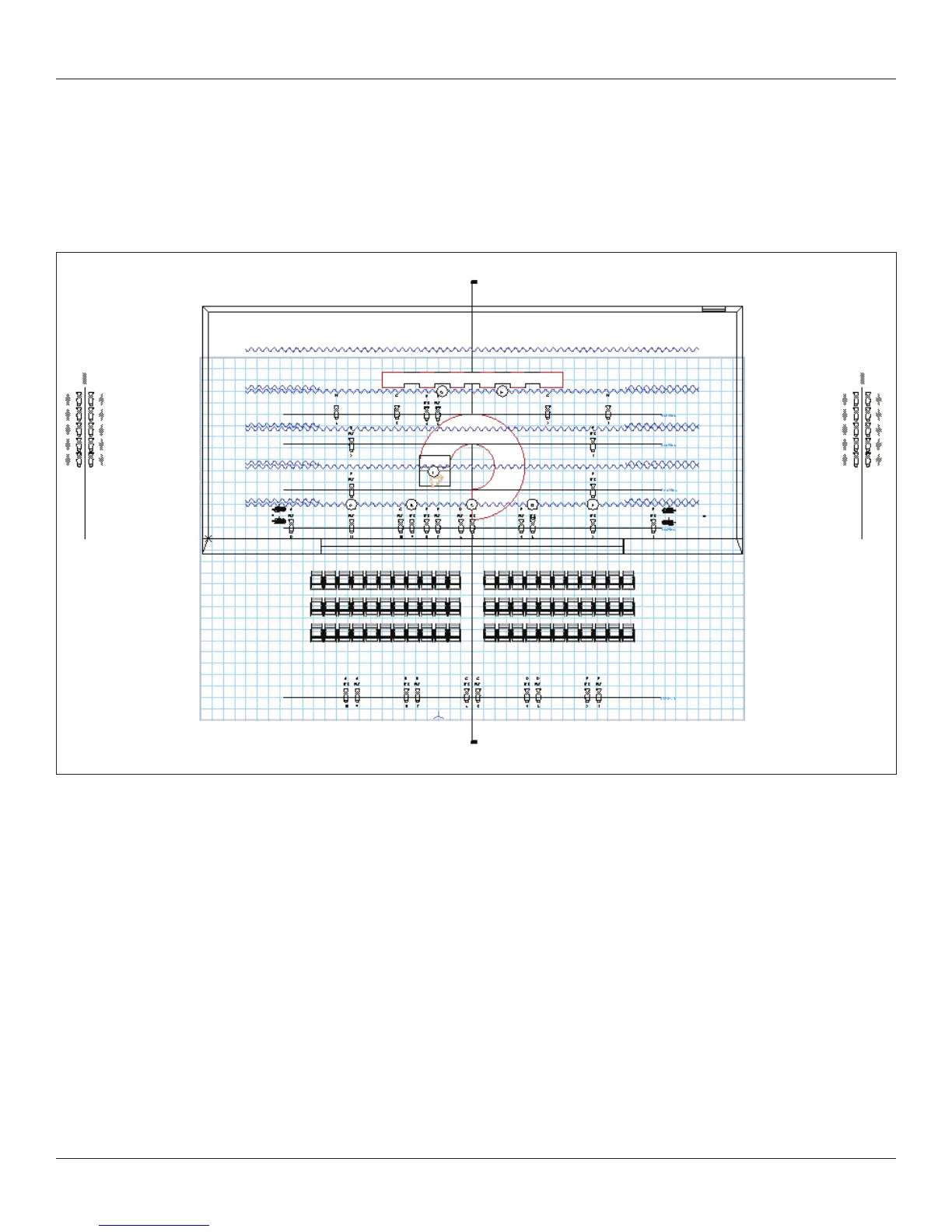
You should end up with something like this.
Just a few things to nish, before we can present and visualize this light plot. Go to Tools>Reports>Generate Paperwork. Follow the
directions, make your choices. We’ll set that up for printing in the Presenting your Design section.



 To Next Page