Vectorworks 2010 Products 75
Vectorworks Spotlight 2010 Getting Started Guide
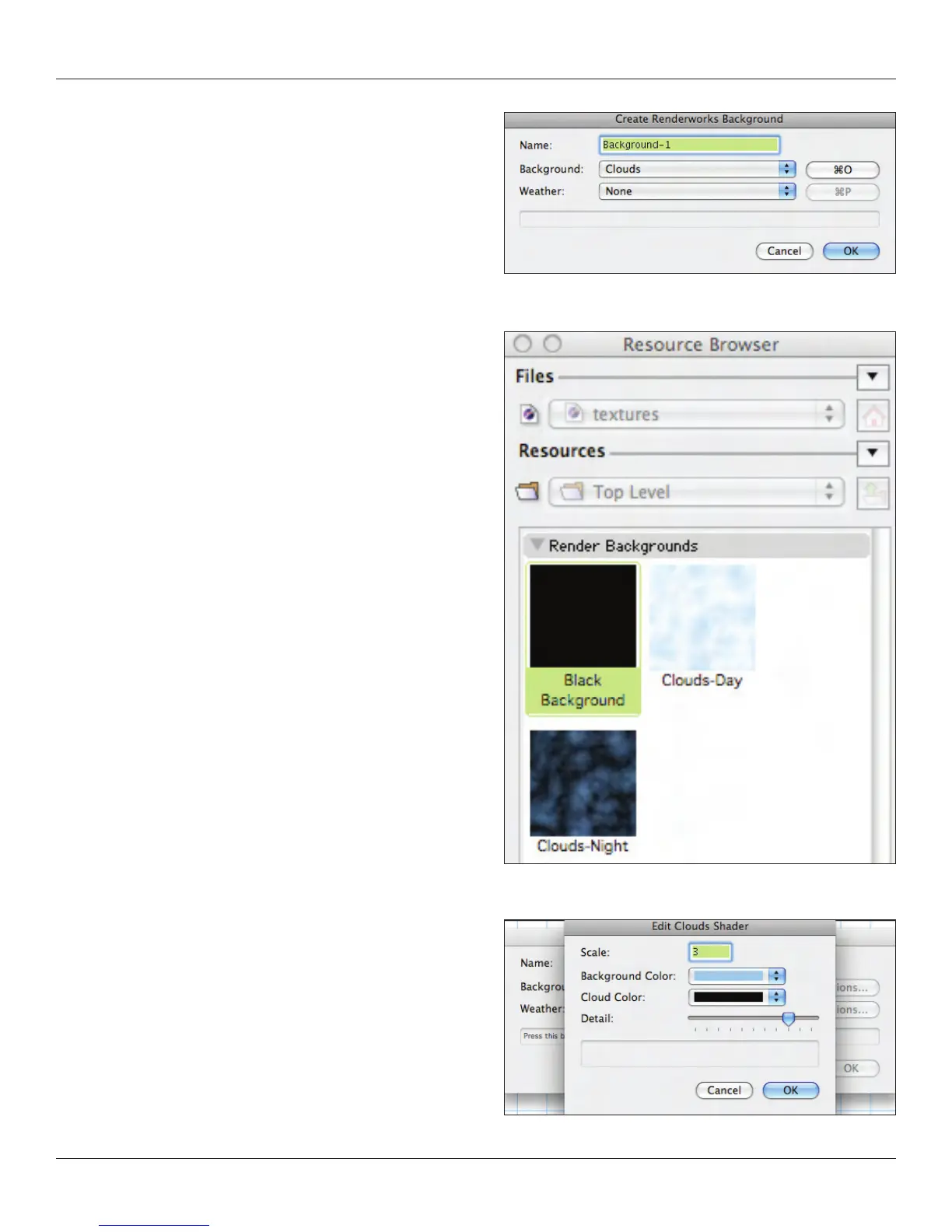
The top drop down will be our focus;
Clouds•
One Color•
Two Color•
Image•
Image (HDRI)•
One color should be pretty clear and having at least
a black background is always useful. When roughing out
ideas, use a black background rather than worrying about the
surrounding architecture. Two colors will give you a traditional
gradient background.
The clouds option is very versatile, certainly useful if you are doing
an outdoor project or if you want to see a simple outdoor scene
behind a set. Clouds also make terric backdrops for free standing
kiosks. The default options make for a lovely day sky. I have found
that by switching the white to black, I get a pretty good night sky. As
always, you need to experiment with the options and render the
options in Final Quality Renderworks to see your results.



 To Next Page