Global Setup Menu Functions
TVM Series Installation and Operation Handbook 171
Copyright © 2008, Harris Corporation
Data Error Persistence
Data Error Persistence is used to determine how long a point of data in the Composite
Gamut remains on the display. The ranges of Persistence are NORMAL, 1 TO 6, and
INFINITE.
Picture Setup Menu
The Picture Setup menu items are described below.
Thumbnail
A thumbnail is approximately 1/16 of the full screen display or 1/16 of the pane. It is
used to show the picture that is being measured in the pane or display. Up to four
thumbnails can be shown simultaneously. Each thumbnail can be for the same or
different input. When in quad mode (not full screen), the thumbnail will not be
displayed if one of the four panes has picture selected.
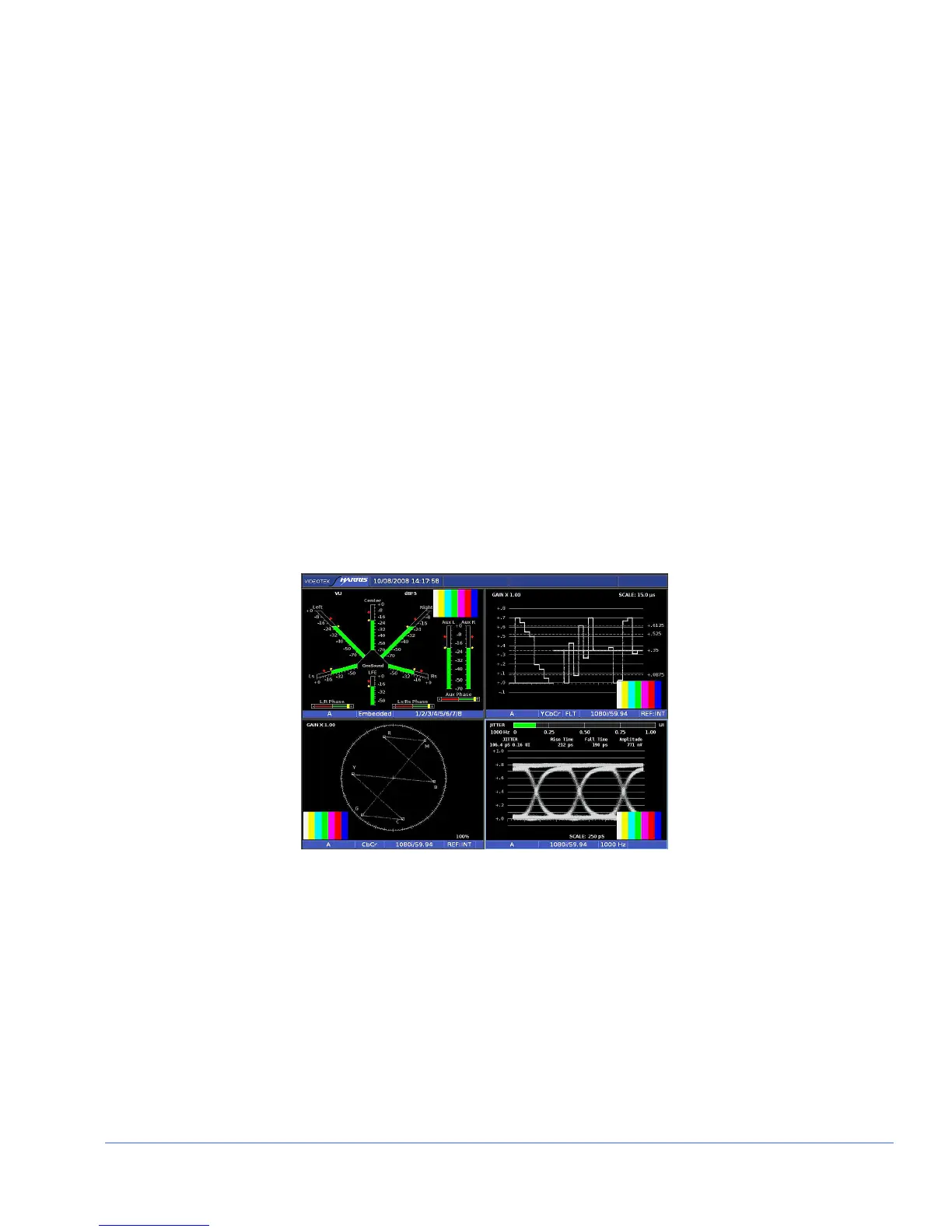
The thumbnail picture is shown in one corner of each Upper Left, Upper Right, Lower
Left, and Lower Right pane by using the THUMBNAIL menu. A sample quad-screen
display containing a thumbnail in the lower-right corner of the lower right pane is
shown in Figure 4-2.
Figure 4-2. Sample Thumbnail Screen
Markers
There are three markers available to be indicated in the picture. Safe Action is equal to
90% of the picture height and 90% of the picture width. Safe Title is equal to 80% of
the picture height and 80% of the picture width. Clean Aperture shows the limits for
the active pixel area. Brackets appear on the picture or a box surrounds the picture to
show these limits. The center marker identifies the location of the center of the picture.
Closed Caption Display
The Closed Caption Display menu is used to determine the type of closed caption
display that should appear with the picture. The Closed Captions selections are C1 to



 To Next Page