7.
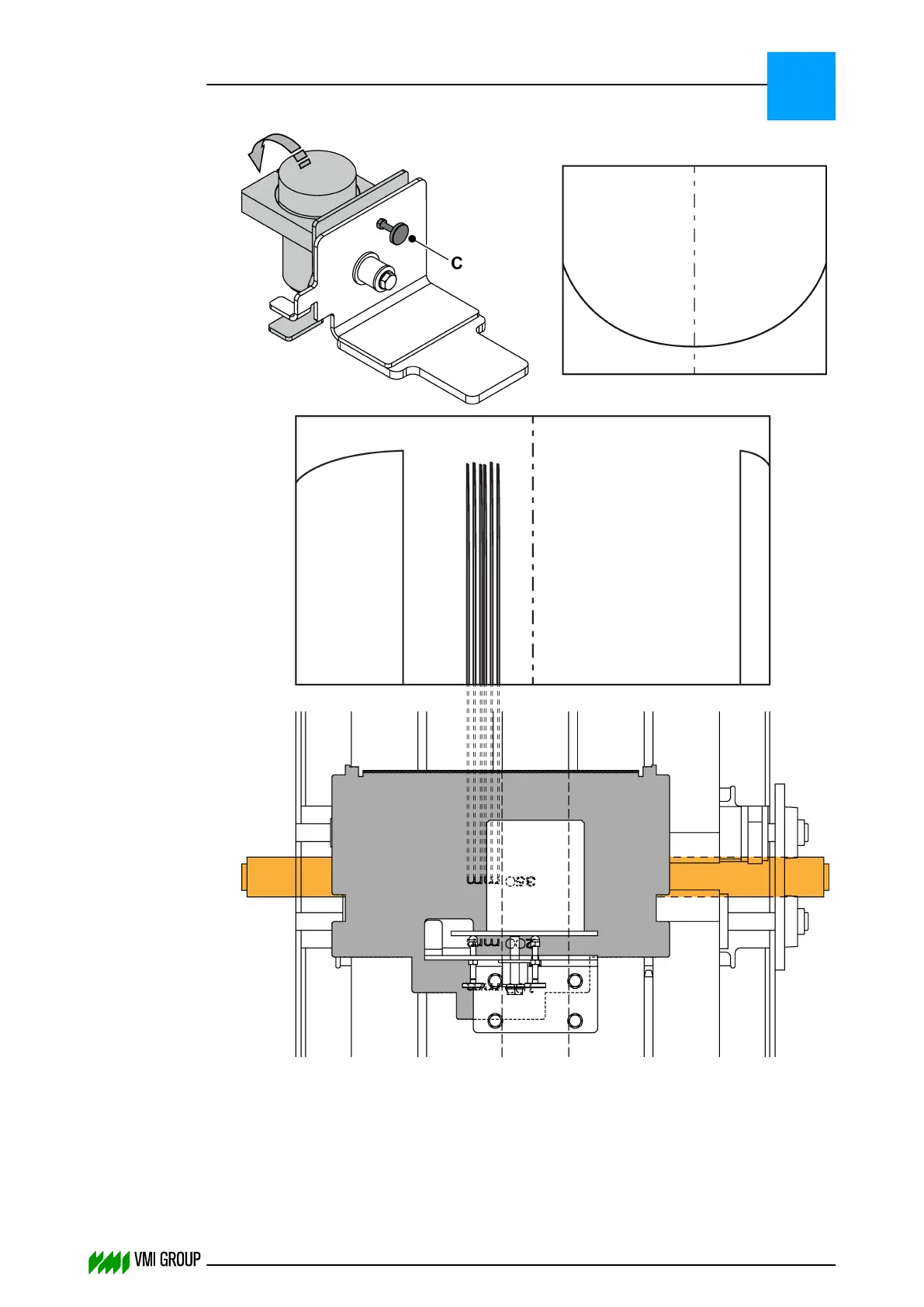
Place the calibration template on the conveyor belt, and make sure the text 'mm' is
placed next to the center belt and the text 'mm' is shown as narrow spikes in the
camera image (as illustrated).
ALIGNMENTS, ADJUSTMENTS AND CALIBRATIONS
VVS Tread
5
THINKING FORWARD
VMI Vision System VVS (OL82) VVSX 13.0.12.0, VVSU 3.0.6 / 4 / 2016-07-11 / pd#175592
5-28



 To Next Page