Creating a Method Table 127
Accessing the Program Methods Screen
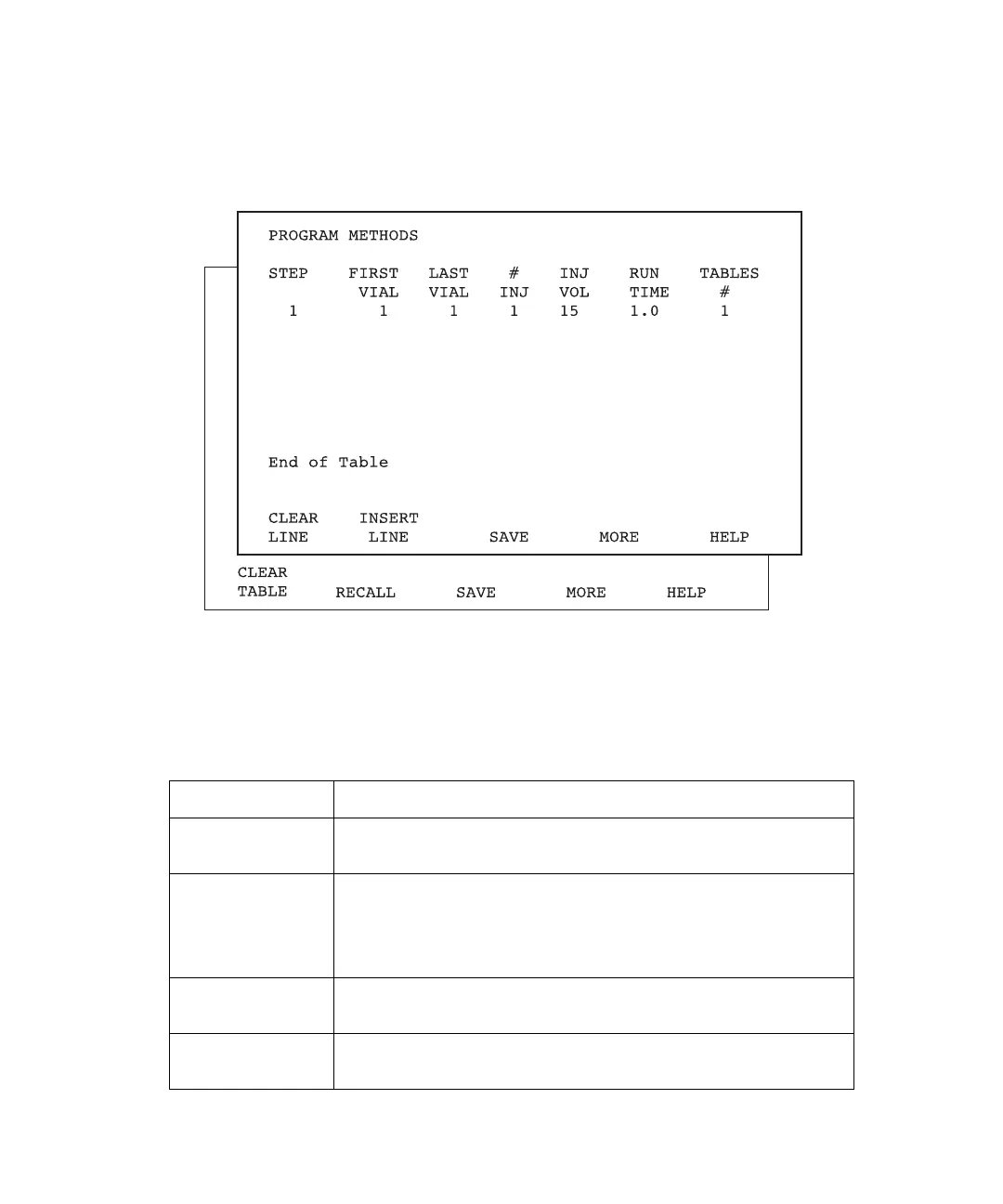
To access the Program Methods screen, press the Program Method function key. The
Program Methods screen appears with the cursor at the Step field (Figure 6-14).
Figure 6-14 Program Methods Screen
In addition to the methods table parameters, the Program Methods screen displays seven
active screen keys that function as described in Table 6-5.
Table 6-5 Program Methods Screen Keys
Key Function
Clear Line Clears the line on which the cursor currently resides. The line
is not erased from permanent memory.
Clear Table Clears the table currently displayed and returns the initial
conditions line to default status. The table remains in perma-
nent memory until you save a new table. Available after you
press More.
Insert Line Copies the line on which the cursor is positioned to the line
immediately below.
Recall Displays the last table you saved. Toggles with Insert Line.
Available after you press More.



 To Next Page