140 Running PowerLine Methods
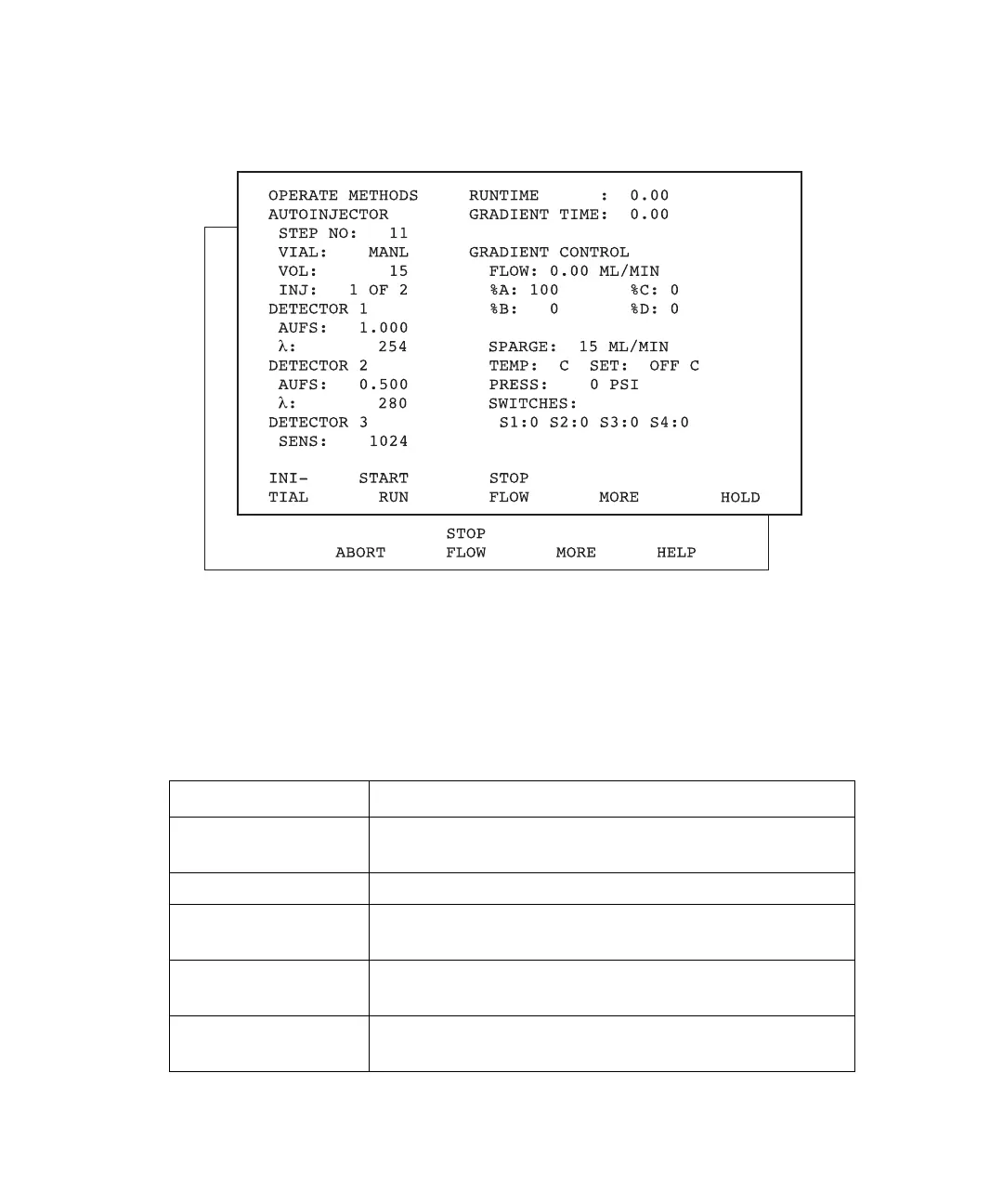
2. Press the Operate Method function key again. The Operate Methods screen appears
(Figure 7-4).
Figure 7-4 Operate Methods Screen
Operate Methods Screen Keys
In addition to the current system conditions, the Operate Methods screen displays the
screen keys described in Table 7-1
.
Table 7-1 Operate Methods Screen Keys
Key Function
Start Run Starts the gradient and the run-time clocks at 0.00.
Toggles with Abort.
Stop Flow Sets the pump flow rate to zero. Toggles with Resume.
More Displays an additional set of screen keys associated with
the Operate Methods screen.
Hold Holds conditions at the current state and suspends the
run-time clock. Toggles with Resume.
Abort Displays a Caution screen that presents choices on how to
prematurely end the method. Toggles with Start Run.



 To Next Page