Modifying Conditions While Running 147
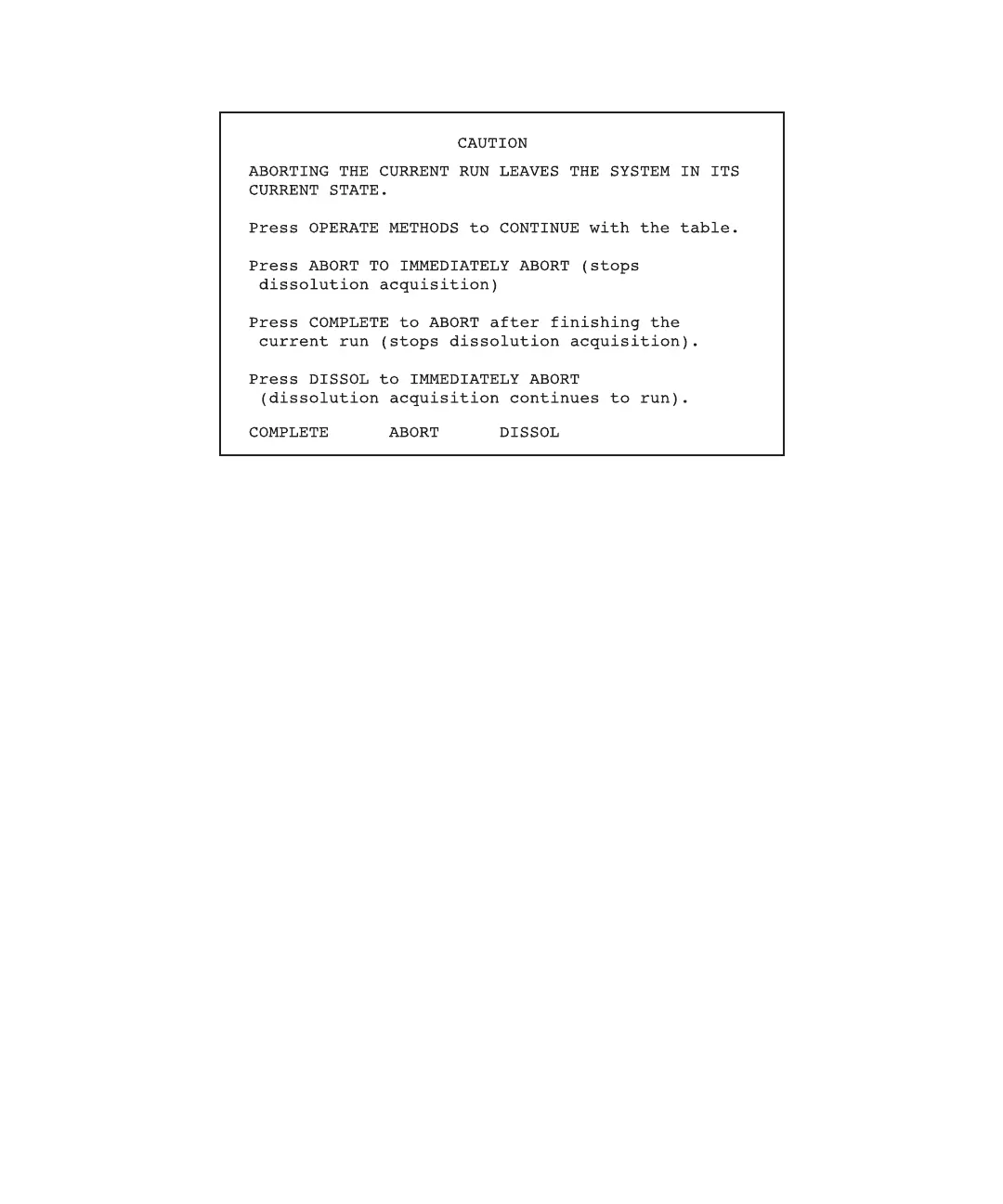
Figure 7-5 Caution I Screen
2. Take one of the following actions:
• To cancel the abort and resume monitoring the method, press the Operate Method
function key. The Operate Methods screen appears.
• To immediately abort the run, press the Abort function key. This action also stops
dissolution acquisition.
• To abort the method after the current run completes, press the Complete screen
key.
• To abort the run but continue with dissolution acquisition, press the Dissolution
screen key.
Note: When you abort a method, execution of gradient, event, and detector tables
stops. All external switches remain in the current or last-set state. You can change
the switch states on the Direct Control screen, if necessary. See Chapter 5, Running
PowerLine in Direct Control Mode.
Using the Direct Function Key
To abort the method using the Direct function key:
1. Press the Direct function key. The Caution II screen appears (Figure 7-6).
This Caution screen prompts you to abort the method immediately and enter Direct
Control mode or to finish the current run and then abort the method.



 To Next Page