148 Running PowerLine Methods
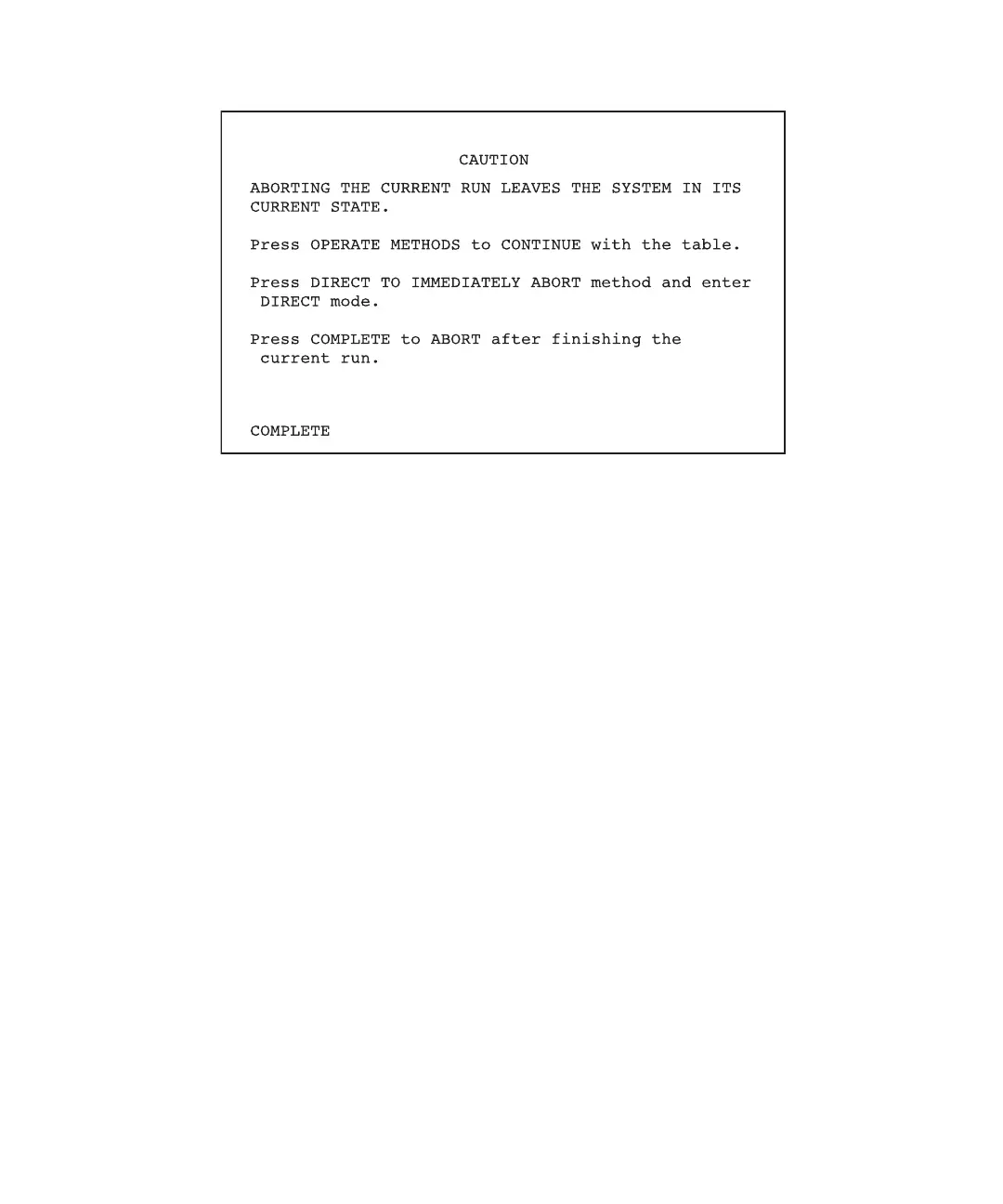
Figure 7-6 Caution II Screen
2. Take one of the following actions:
• To cancel the abort and continue monitoring the method, press the Operate
Method function key. The Operate Methods screen appears.
• To abort the method immediately and enter the direct control mode, press the
Direct function key. The Direct Control screen appears.
• To abort the method after the current run completes, press the Complete screen
key.
Note: When you abort a method, execution of gradient, event, and detector tables
stops. All external switches remain in the current or last-set state. You can change
the switch states on the Direct Control screen, if necessary. See Chapter 5, Running
PowerLine in Direct Control Mode.



 To Next Page