178 Creating Gradient Controller Time-Based Tables
Accessing the Program Gradient Screen
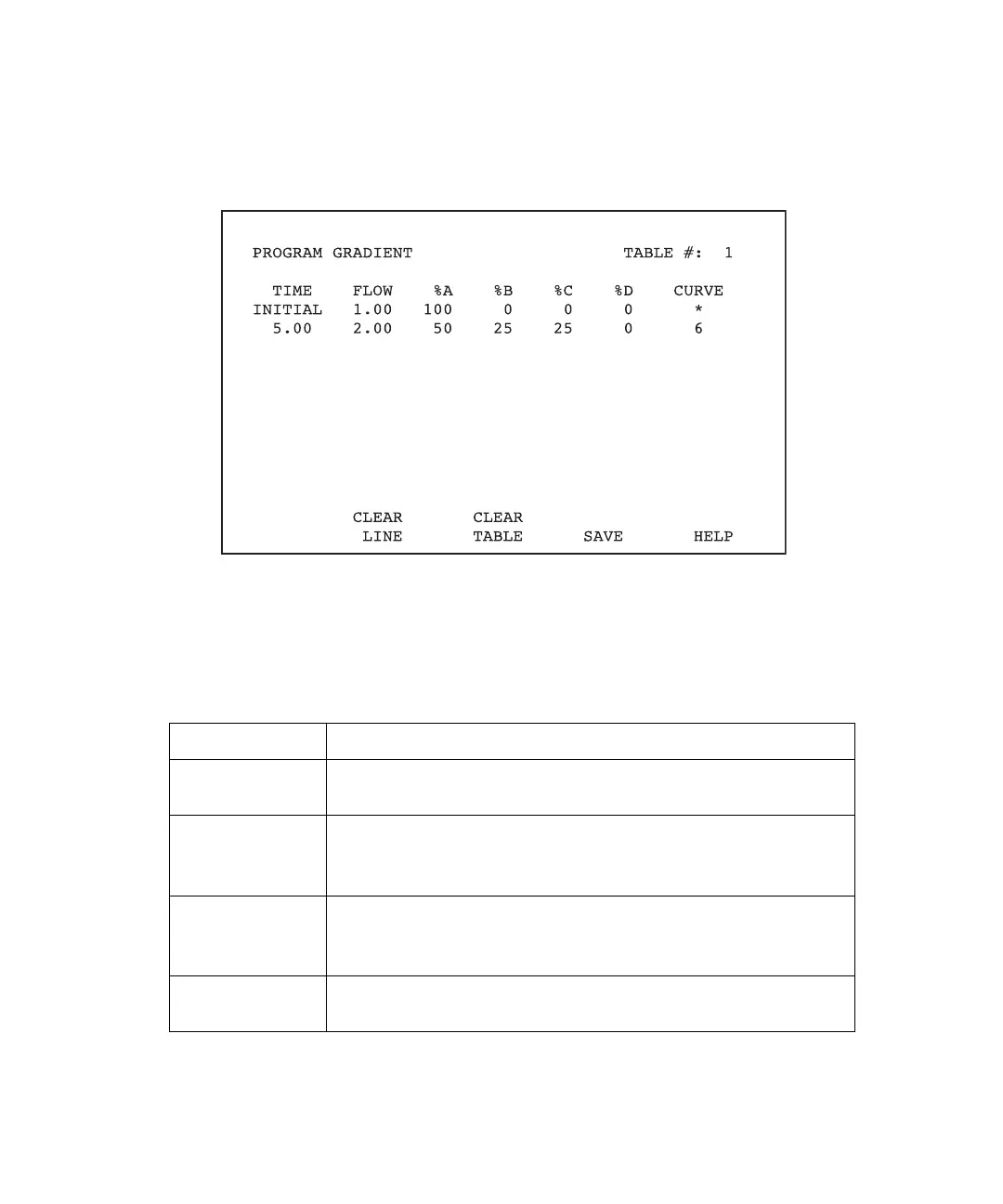
To display the Gradient Controller Program Gradient screen (Figure 10-4), press the
Program Method function key.
Figure 10-4 Gradient Controller Program Gradient Screen
In addition to the gradient table parameters, the Program Gradient screen displays four
active screen keys, as described in Table 10-1.
Table 10-1 Program Gradient Screen Keys
Key Function
Clear Line Clears the line on which the cursor resides. The line remains in
permanent memory.
Clear Table Clears the entire table currently displayed on the screen and
returns the initial conditions line to default status. The table
remains in permanent memory until you save a new table.
Save Saves the table currently displayed and erases the previous
values. You must save the table before advancing to the next
screen.
Help Displays the Help screen associated with the Program Gradient
screen.



 To Next Page