14 Basic Operation
Powering Up a 600E System When Used with a Data System
This section contains the powerup sequence to follow when using the 600E system with a
data system (Empower or Millennium
®
Chromatography Manager).
Note: The 600 Controller must be in the Gradient Controller configuration to be controlled
from an IEEE-488 based data system. See Section 2.4.2, Gradient Controller
Configuration, for details.
Note: Power up all devices connected to your data system before you power up the
computer. As you power up each component, wait a brief period to allow its internal
diagnostic tests to run. These tests ensure that each module is functional and serve to
quickly isolate a failure.
To power up the 600E system when used with a data system:
1. Power up all equipment not controlled by the data system (for example, a printer).
2. Power up all equipment controlled by the data system but not under direct IEEE-488
control (for example, a non-IEEE-488 detector):
3. Power up all equipment controlled through the IEEE-488 bus.
To power up the 600E system, press the On/Off switch on the front panel of the 600
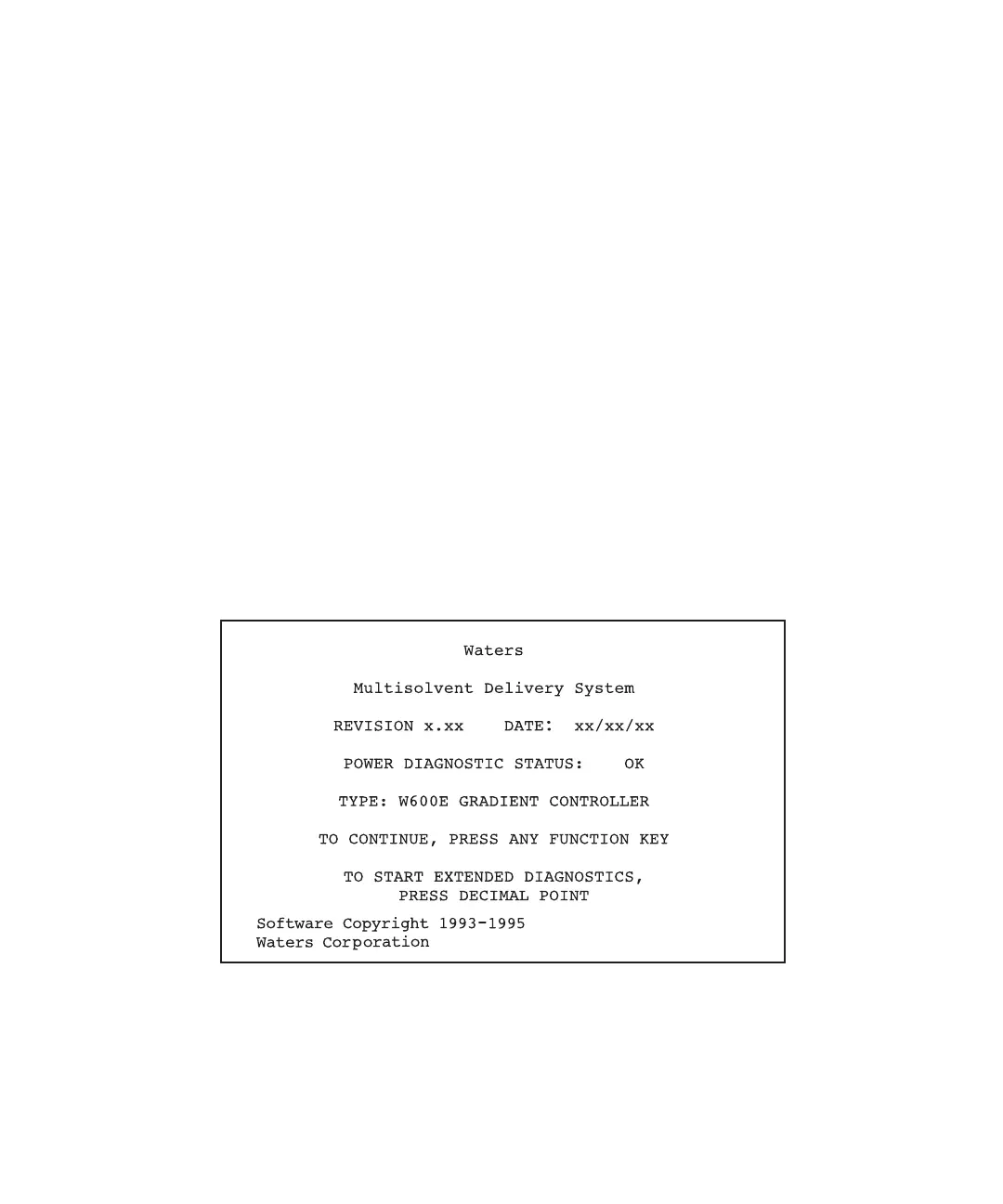
controller to the 1 (On) position. The Powerup screen appears (Figure 2-1).
Figure 2-1 Gradient Controller Powerup Screen
The Powerup screen lists the diagnostic status, controller configuration, and software
version number.



 To Next Page