3 Basics & Overview User Interface Service Program 6
3 Basics & Overview User Interface Service Program
3.1 Start service program = establish connection to the coffee machine
Connect the switched on coffee machine and the laptop by using a USB cable.
Important advice / Attention:
Please always use the USB interface which has been activated for the service program in the device manager (see chapter 10.3).
Open the service program by double clicking on the symbol on the desktop.
Confirm the message – service number – by clicking „OK“.
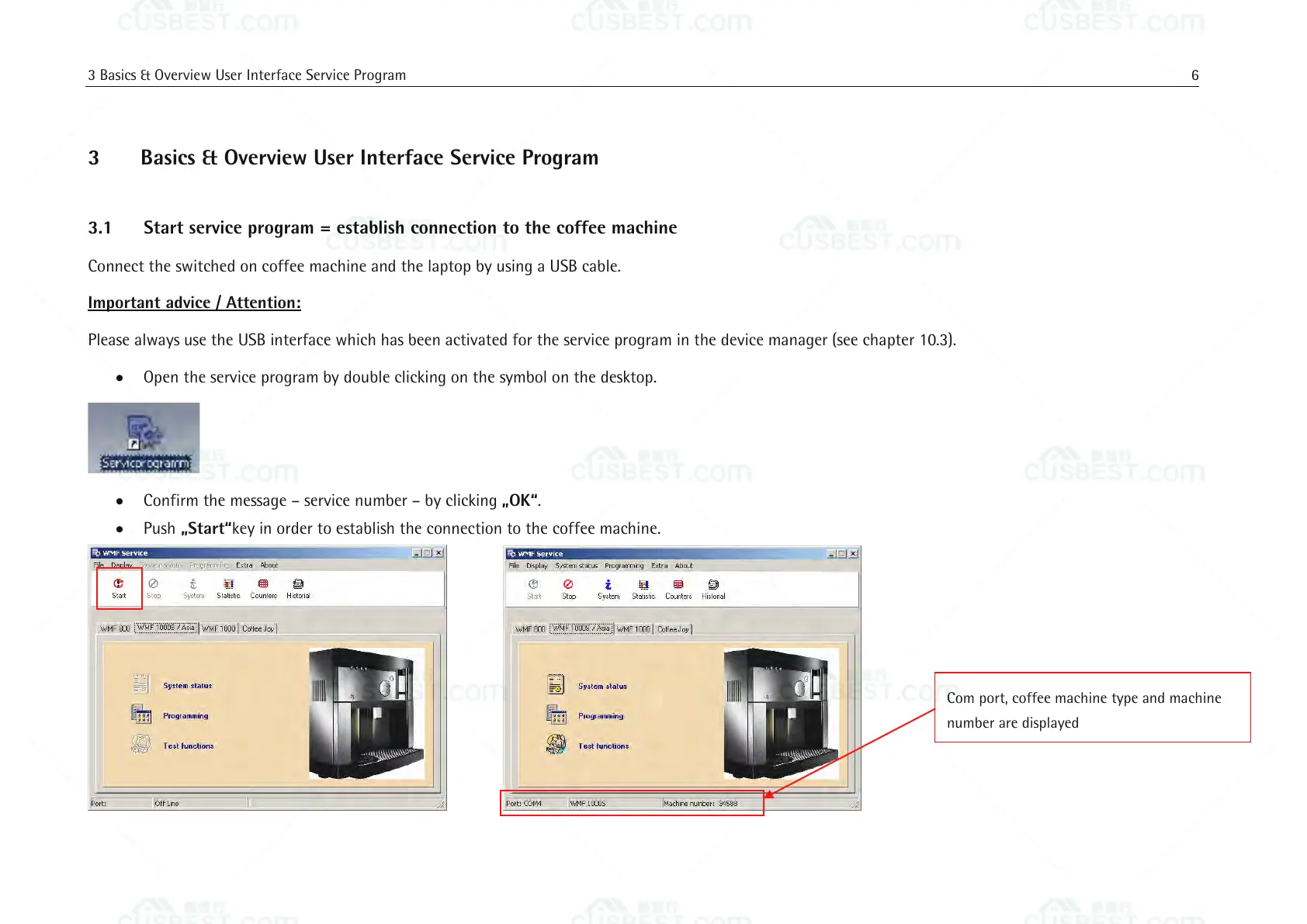
Push „Start“key in order to establish the connection to the coffee machine.
Com port, coffee machine type and machine
number are displayed















 To Next Page