3 Basics & Overview User Interface Service Program 8
3.2.1 Drop Down Menus
File:
Enables you to „Start“ and „Stop“ the communication to the coffee machine and to „Close“ the service program.
Display:
Access to „statistics“, „service history“ and „daily counter”. Furthermore, the running time of the grinder can be deleted through „Delete“.
System status:
Information about current status of machine.
Programming:
Uploading and saving of a machine configuration as well as adjusting, for example, water hardness degree, Eco Mode etc. in the system configuration.
Extra:
Access to the machine software update as well as the language selection of the service program or the communication setting etc.
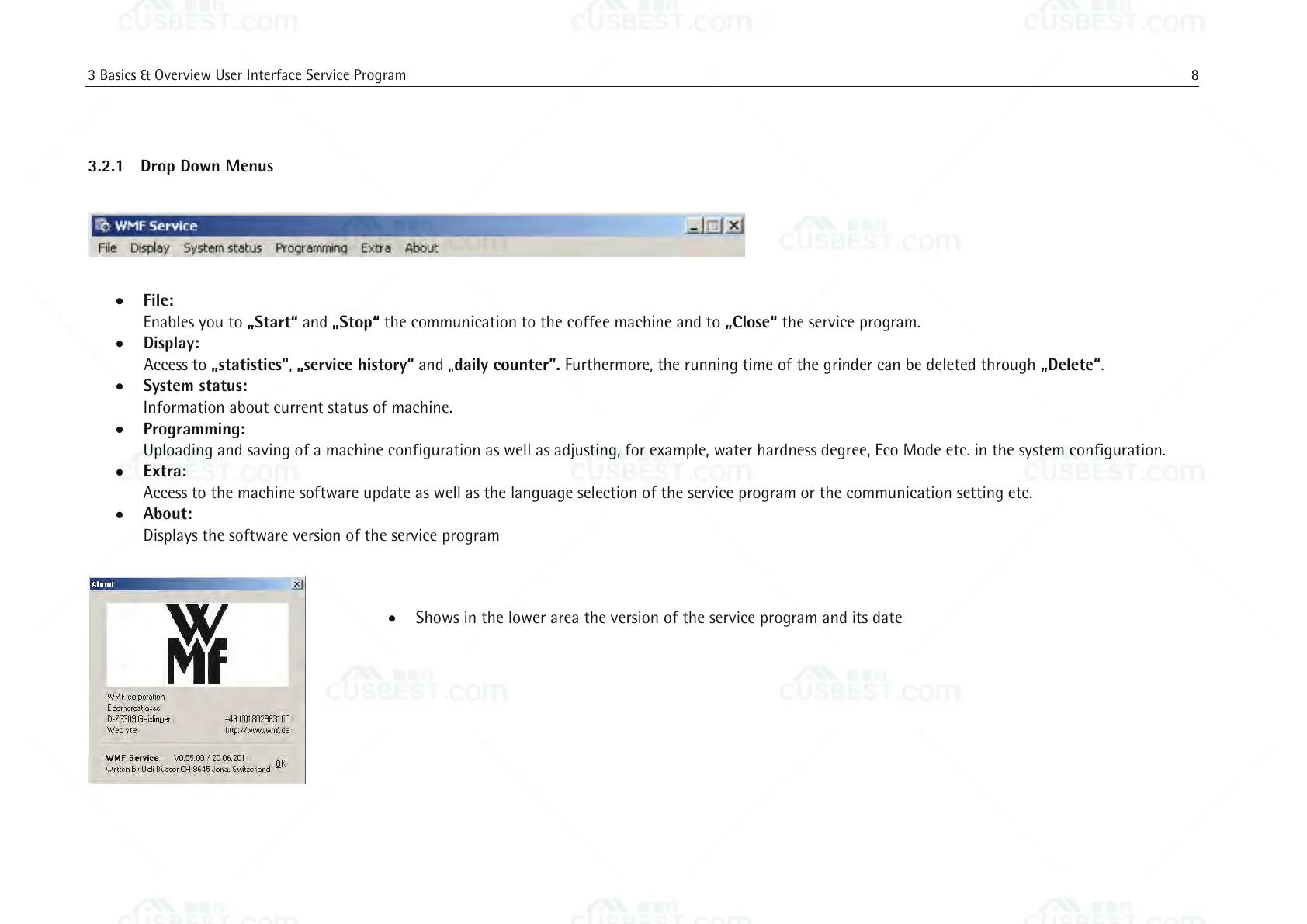
About:
Displays the software version of the service program
Shows in the lower area the version of the service program and its date















 To Next Page