6 Test functions, coffee machine parameters, component test 34
6 Test functions, coffee machine parameters, component test
The CPU of the consumer coffee machines does not offer the possibility of a component test directly at the coffee machine. However, a simple troubleshooting
can be carried out here by means of two testing possibilities which are available in the service program.
6.1 Test functions
Test functions - live display:
There, some important parameters such as for example boiler temperature or condition of the control switches are continuously displayed updated live
and during beverage dispensing. In order to start the live display the „Play“ button must be pushed; as long as this button is activated, all information is
continuously displayed. In order to stop this, the „Stop“ key must be pushed, during the live display the component test (test button) is deactivated.
Test functions – component test (Only to be carried out by trained specialized personnel):
Here, single components can be actuated specifically and thus, they can be checked regarding their function (activation yes/no). In order to start the
component test the „Test“key must be pushed. Now the coffee machine is in the system test mode which is indicated in the display of the coffee machine
by the message “system test”. In this condition the desired components can be selected by ticking. If the „test“key is now pushed again, exactly the ac-
tions are carried out which have previously been ticked. Please absolutely keep in mind that all other automatic functions are deactivated. This
means that if for example heating is actuated, it is heated unlimited by temperature sensor and heating management as long as the „test“ but-
ton is pushed again and thus the component test is finished.
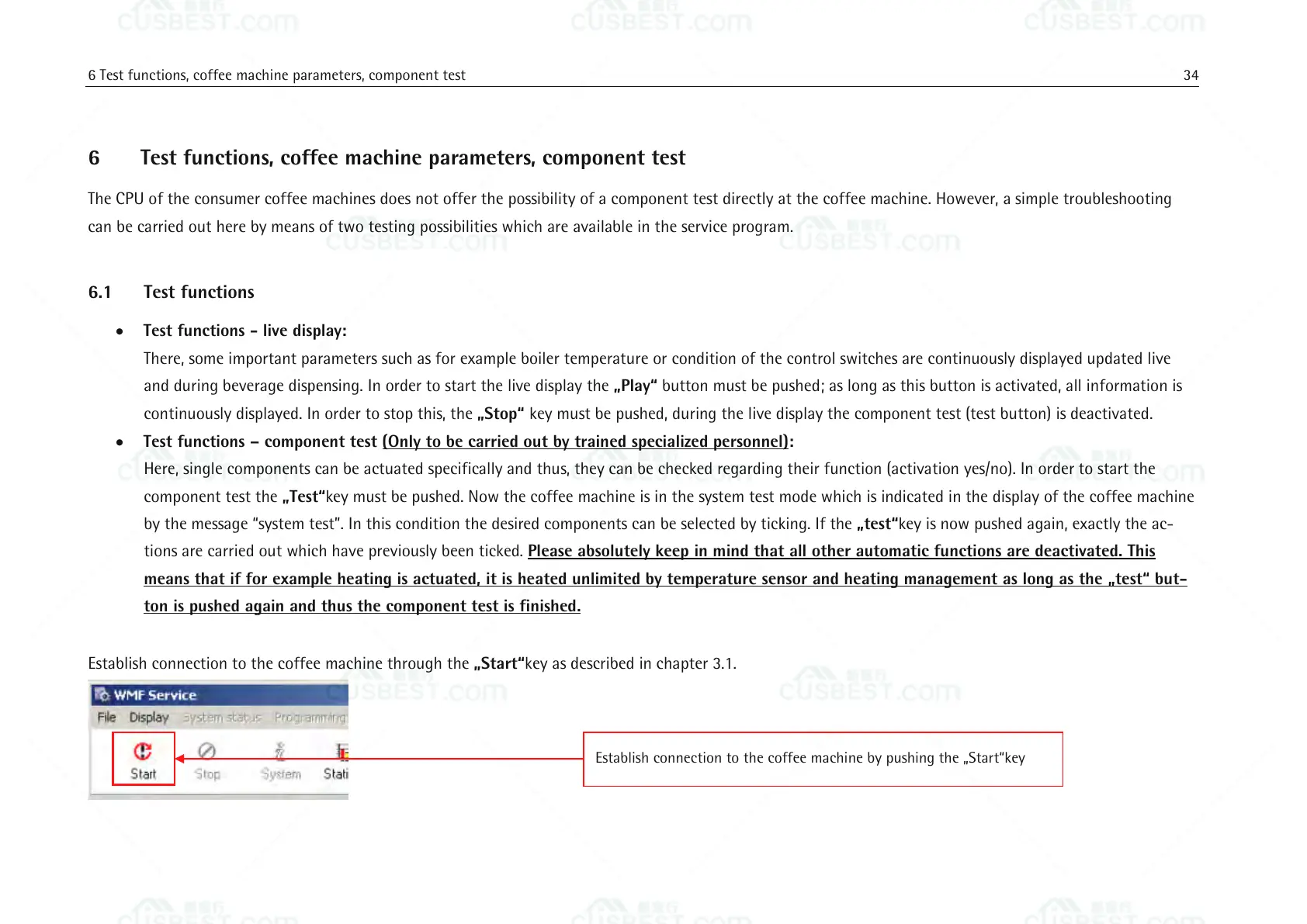
Establish connection to the coffee machine through the „Start“key as described in chapter 3.1.
Establish connection to the coffee machine by pushing the „Start“key















 To Next Page