3 Basics & Overview User Interface Service Program 9
3.2.2 Keys
Start:
Starts communication between service program and coffee machine.
The buttons – „system status“ and „test functions“ – are now activated!
Stop:
Stops communication between service program and machine. Thus, coffee machine software update is possible.
Prior to updating the coffee machine software the connection to the coffee machine has to be interrupted!
System:
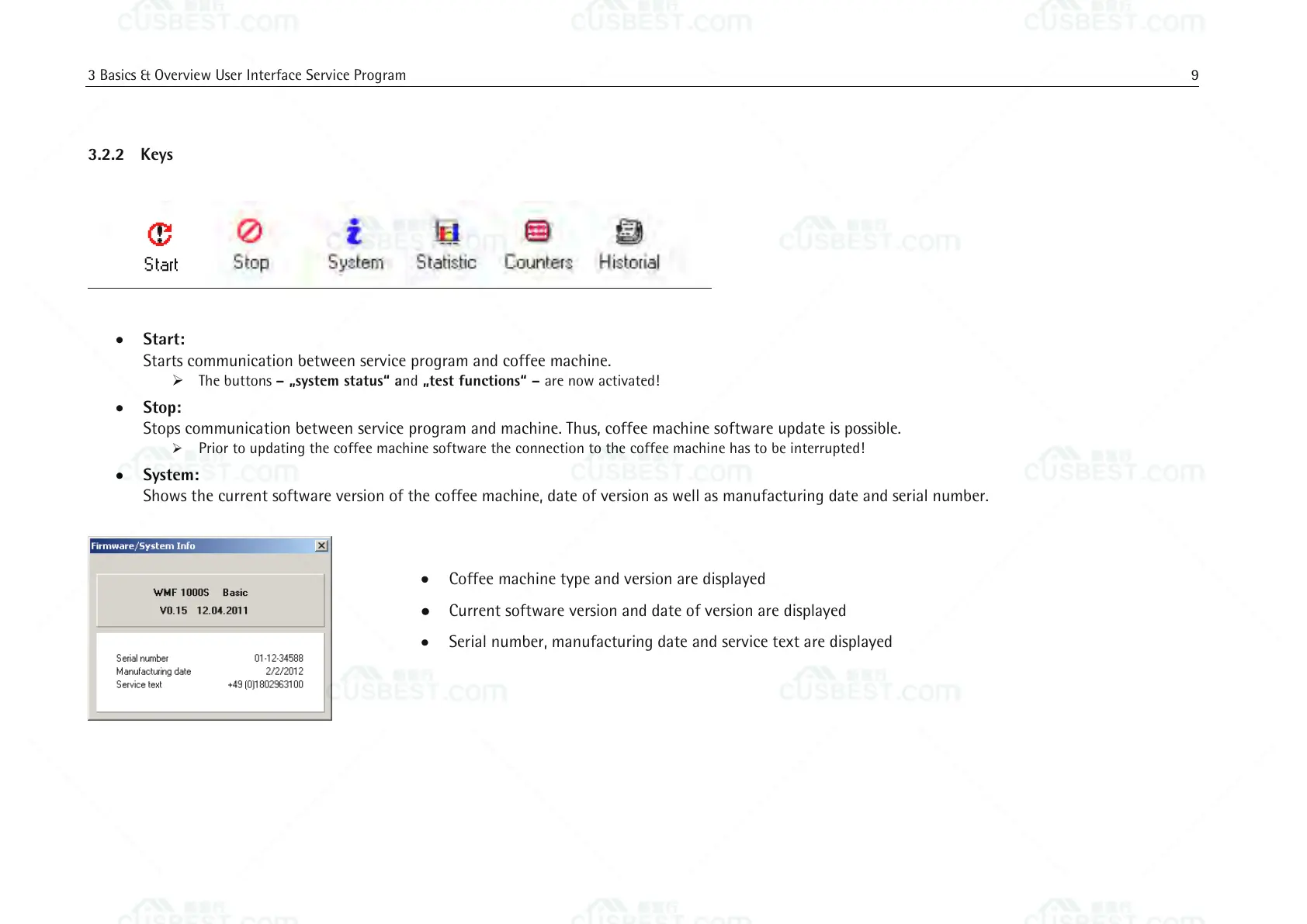
Shows the current software version of the coffee machine, date of version as well as manufacturing date and serial number.
Coffee machine type and version are displayed
Current software version and date of version are displayed
Serial number, manufacturing date and service text are displayed















 To Next Page