3 Basics & Overview User Interface Service Program 12
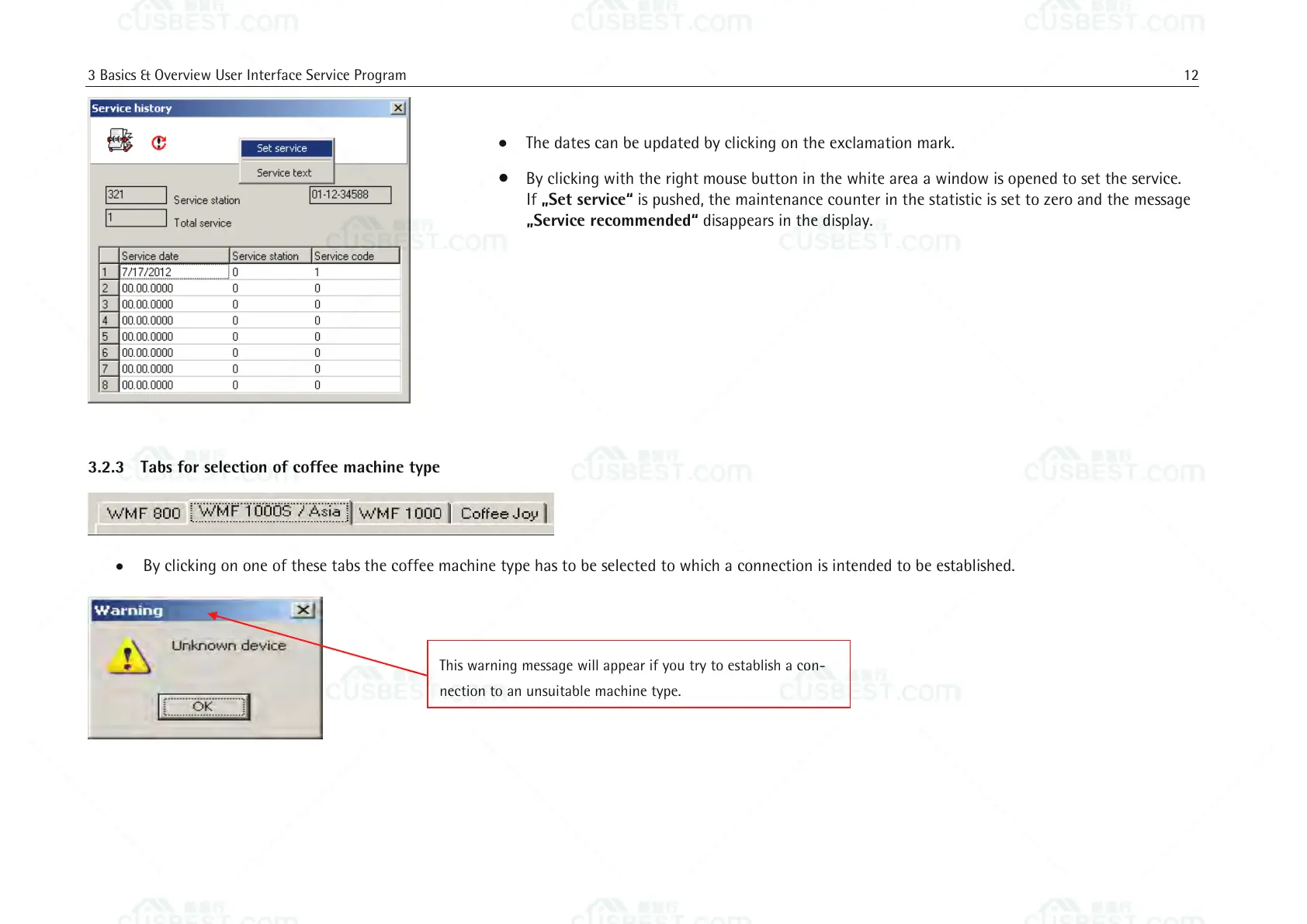
The dates can be updated by clicking on the exclamation mark.
By clicking with the right mouse button in the white area a window is opened to set the service.
If „Set service“ is pushed, the maintenance counter in the statistic is set to zero and the message
„Service recommended“ disappears in the display.
3.2.3 Tabs for selection of coffee machine type
By clicking on one of these tabs the coffee machine type has to be selected to which a connection is intended to be established.
This warning message will appear if you try to establish a con-
nection to an unsuitable machine type.















 To Next Page