5 Programming - System Configuration 25
5 Programming - System Configuration
Chapter 5 describes the most important processes of the function programming and system configuration.
5.1 Access Programming
Open service program and establish connection to the machine through the „Start“ key (see chapter 3.1)
Now open the programming window through the „Programming“ button
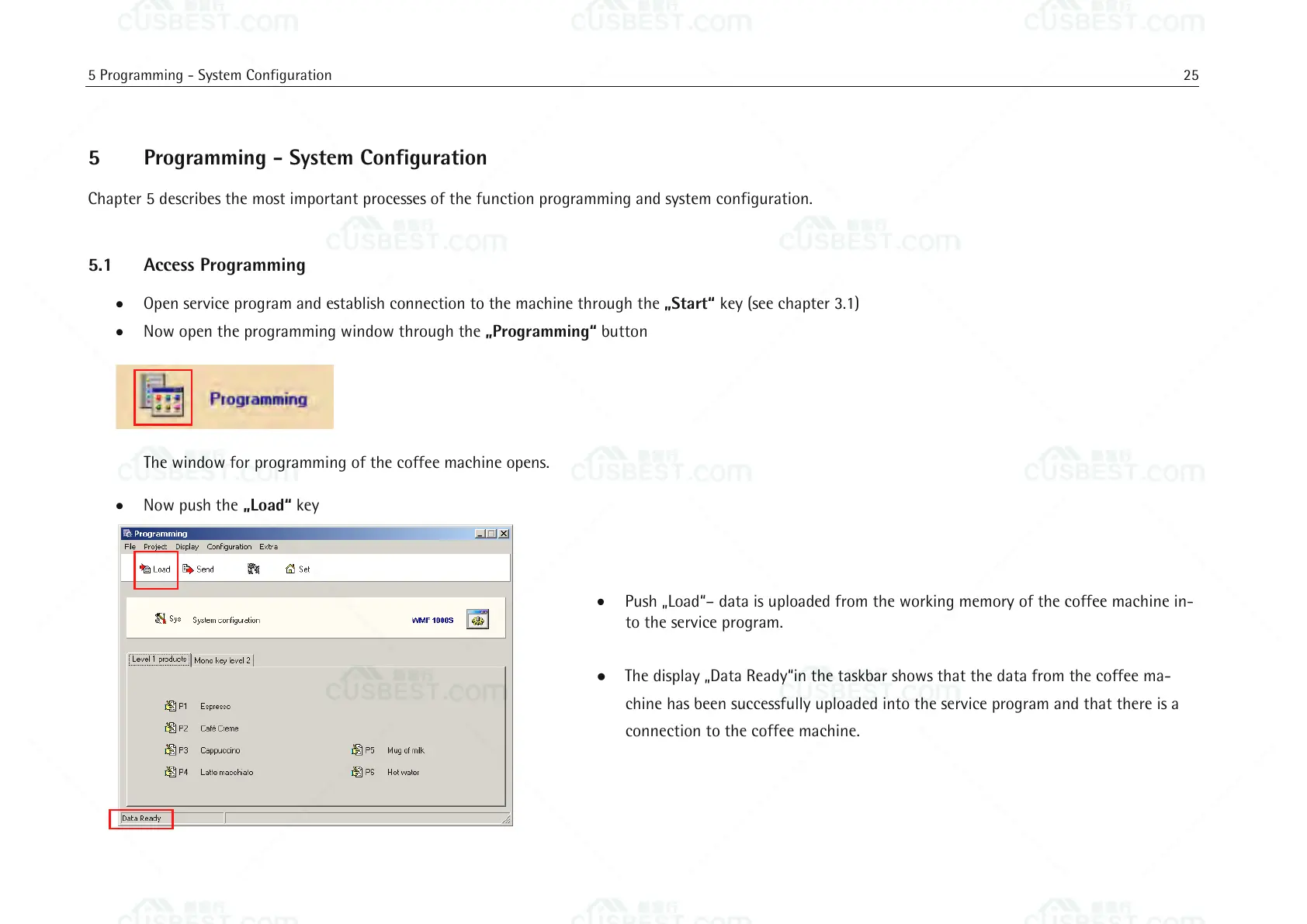
The window for programming of the coffee machine opens.
Now push the „Load“ key
Push „Load“– data is uploaded from the working memory of the coffee machine in-
to the service program.
The display „Data Ready“in the taskbar shows that the data from the coffee ma-
chine has been successfully uploaded into the service program and that there is a
connection to the coffee machine.















 To Next Page