5 Programming - System Configuration 26
5.2 Define and allocate beverage names
Important advice:
In contrary to the professional WMF coffee machines, a modification of the beverage button allocation is not intended for the consumer coffee machines. The
reason is that the button designation is already specified by the firmly fixed beverage symbols on the front panel. However, the beverage names (appearing in the
display) can be modified. If this should be necessary, please follow this description.
5.2.1 Customer-specific beverage names
Here, a customer-specific beverage name is saved in the program which appears in the coffee machine display after having pushed the respective button.
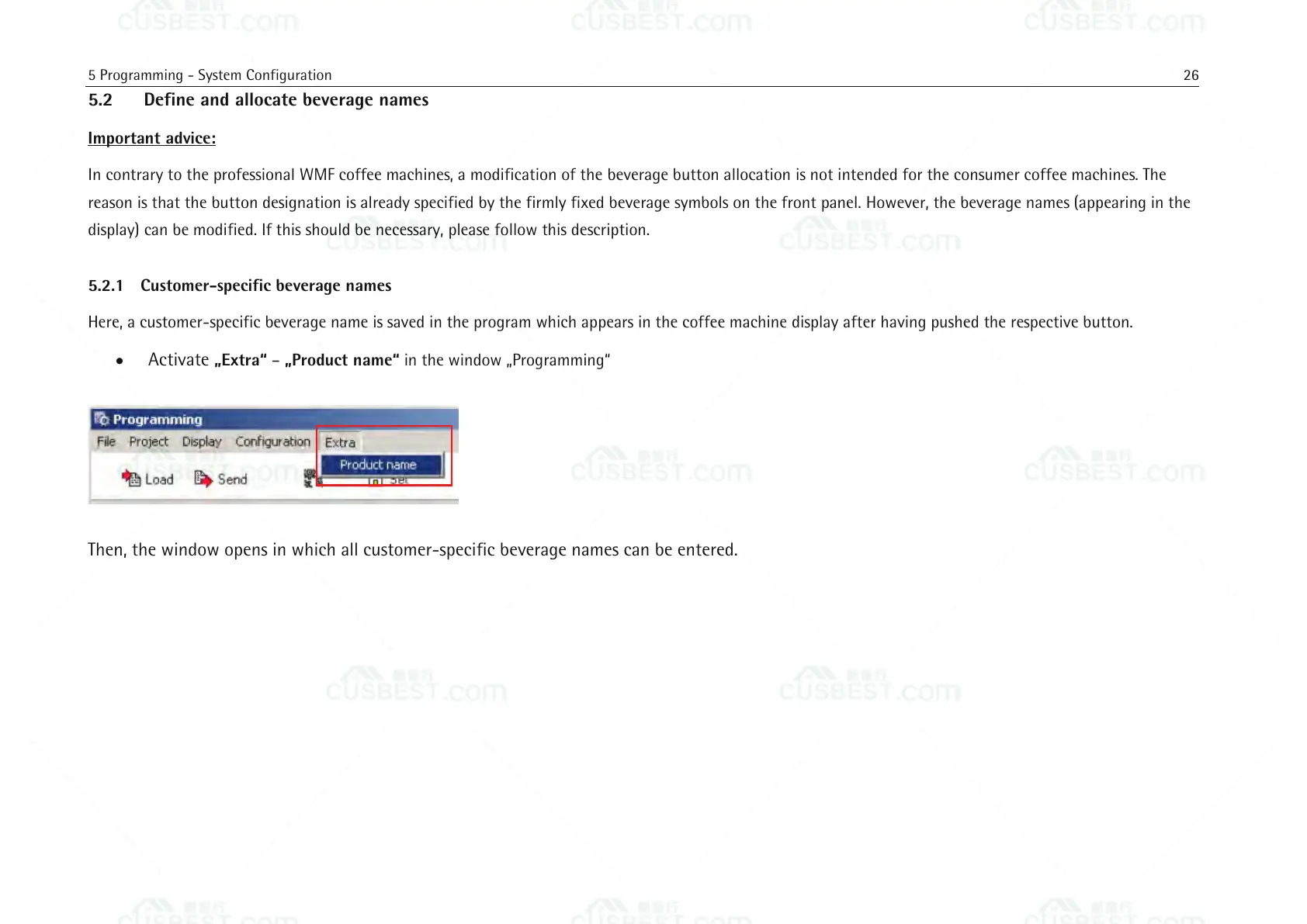
Activate „Extra“ – „Product name“ in the window „Programming“
Then, the window opens in which all customer-specific beverage names can be entered.















 To Next Page