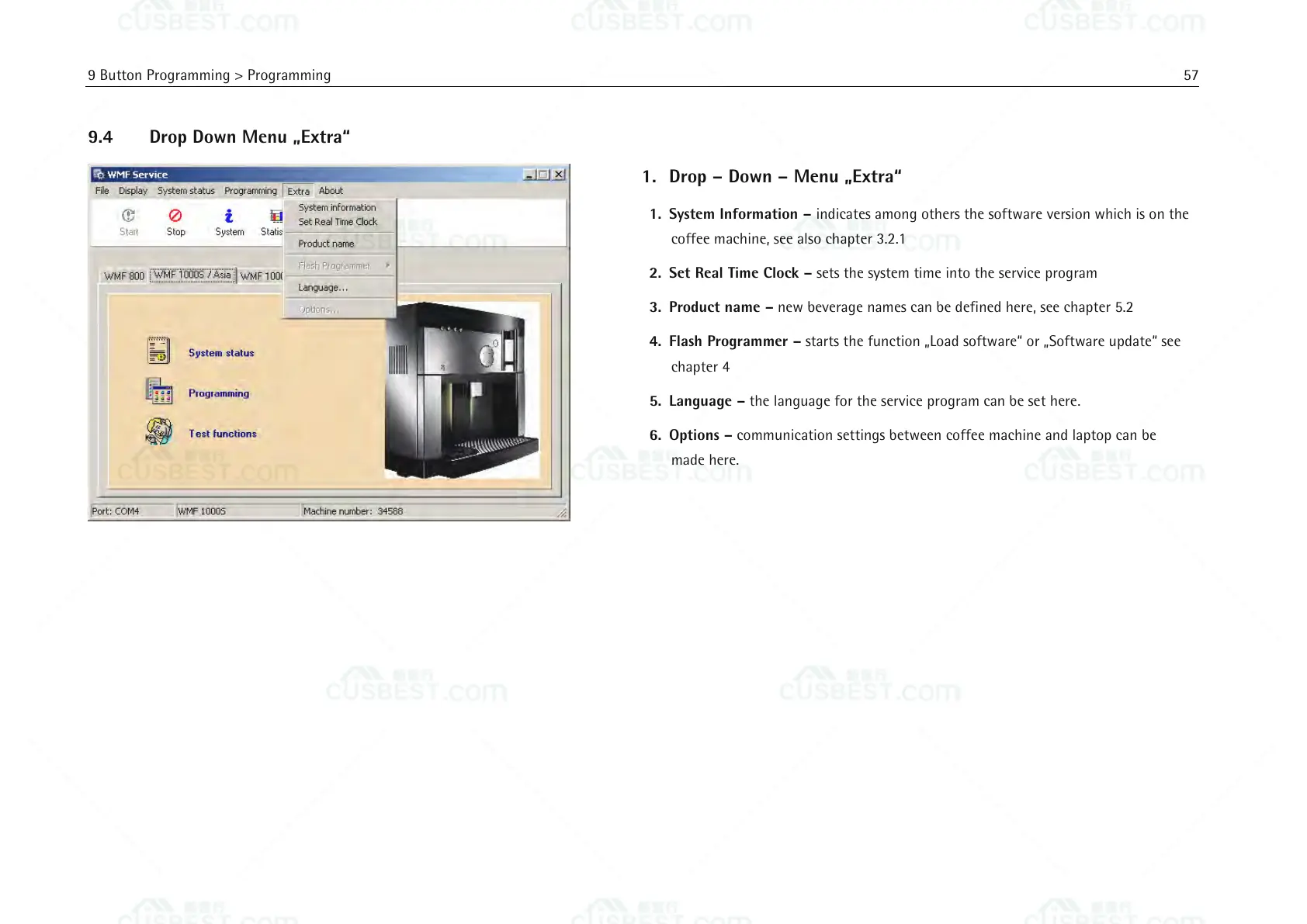
1. Drop – Down – Menu „Extra“
1. System Information – indicates among others the software version which is on the
coffee machine, see also chapter 3.2.1
2. Set Real Time Clock – sets the system time into the service program
3. Product name – new beverage names can be defined here, see chapter 5.2
4. Flash Programmer – starts the function „Load software“ or „Software update“ see
chapter 4
5. Language – the language for the service program can be set here.
6. Options – communication settings between coffee machine and laptop can be
made here.















 To Next Page