5 Programming - System Configuration 27
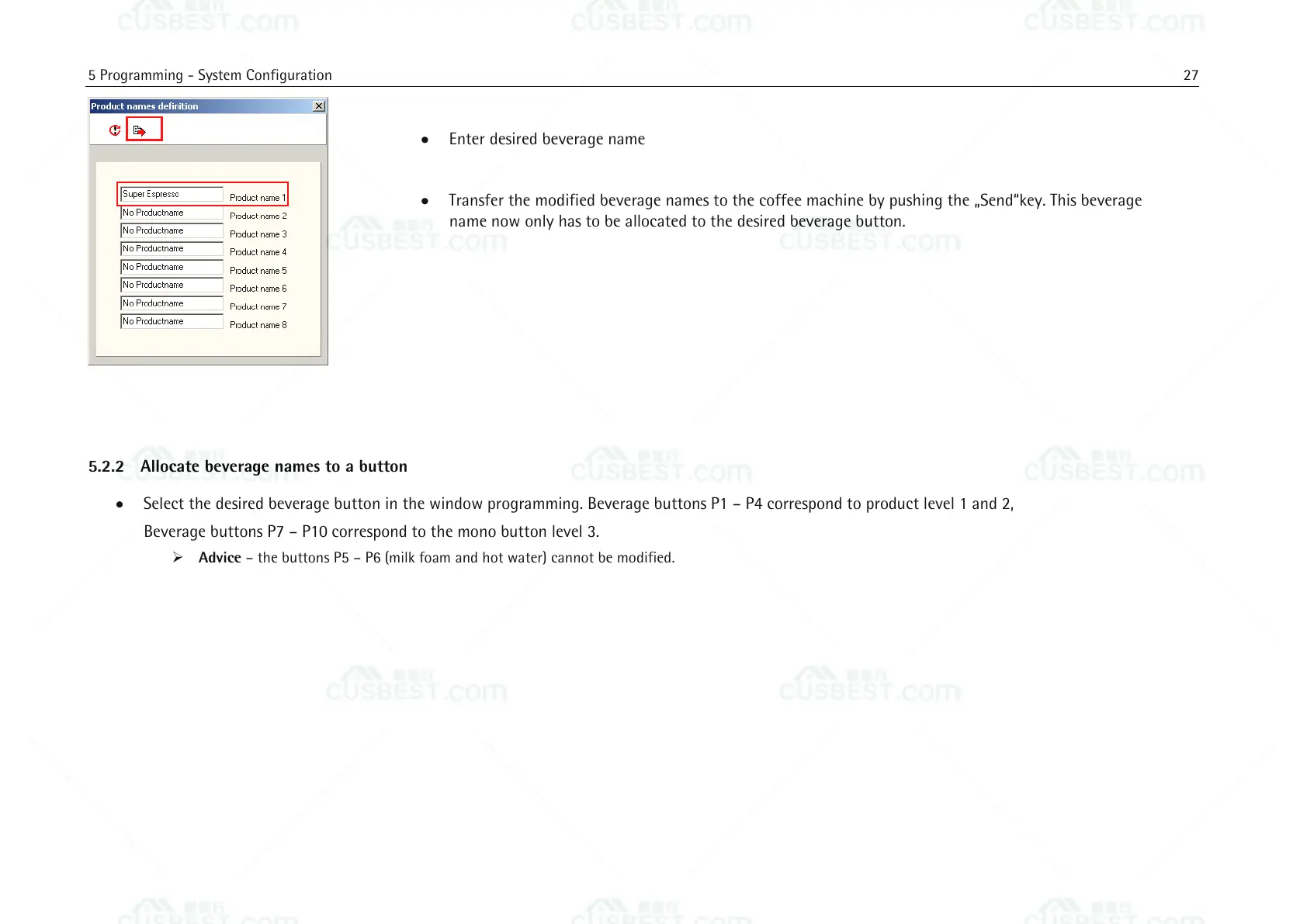
Enter desired beverage name
Transfer the modified beverage names to the coffee machine by pushing the „Send“key. This beverage
name now only has to be allocated to the desired beverage button.
5.2.2 Allocate beverage names to a button
Select the desired beverage button in the window programming. Beverage buttons P1 – P4 correspond to product level 1 and 2,
Beverage buttons P7 – P10 correspond to the mono button level 3.
Advice – the buttons P5 – P6 (milk foam and hot water) cannot be modified.















 To Next Page