12 Troubleshooting 75
12 Troubleshooting
In this chapter error messages and their elimination is described. Even if settings and installation are correct there might be problems with the con-
nection or the connection may be interrupted. In this chapter, error messages and possible troubleshooting is explained with screenshots.
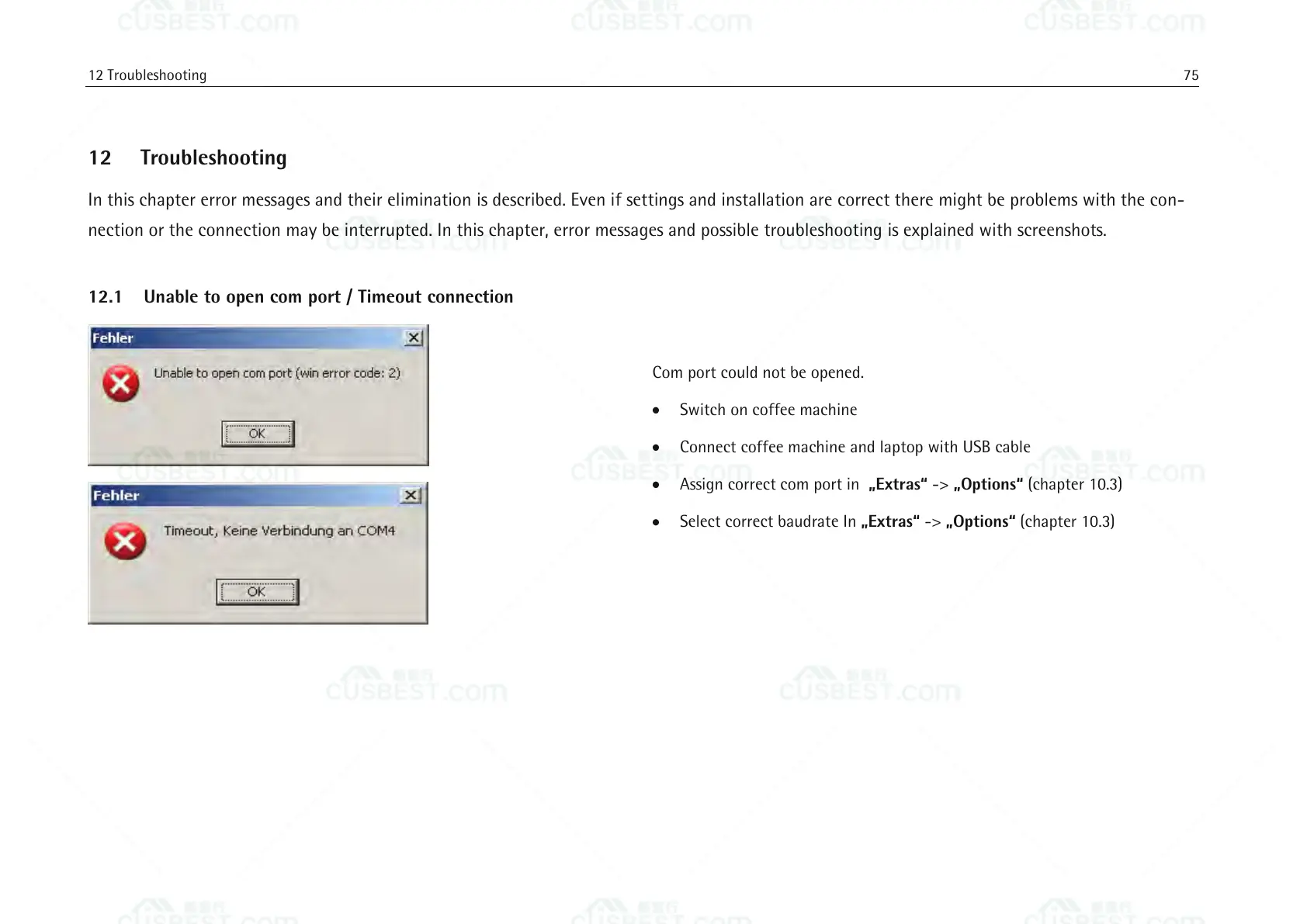
12.1 Unable to open com port / Timeout connection
Com port could not be opened.
Switch on coffee machine
Connect coffee machine and laptop with USB cable
Assign correct com port in „Extras“ -> „Options“ (chapter 10.3)
Select correct baudrate In „Extras“ -> „Options“ (chapter 10.3)















 To Next Page