3 Basics & Overview User Interface Service Program 11
Counters (daily counter)
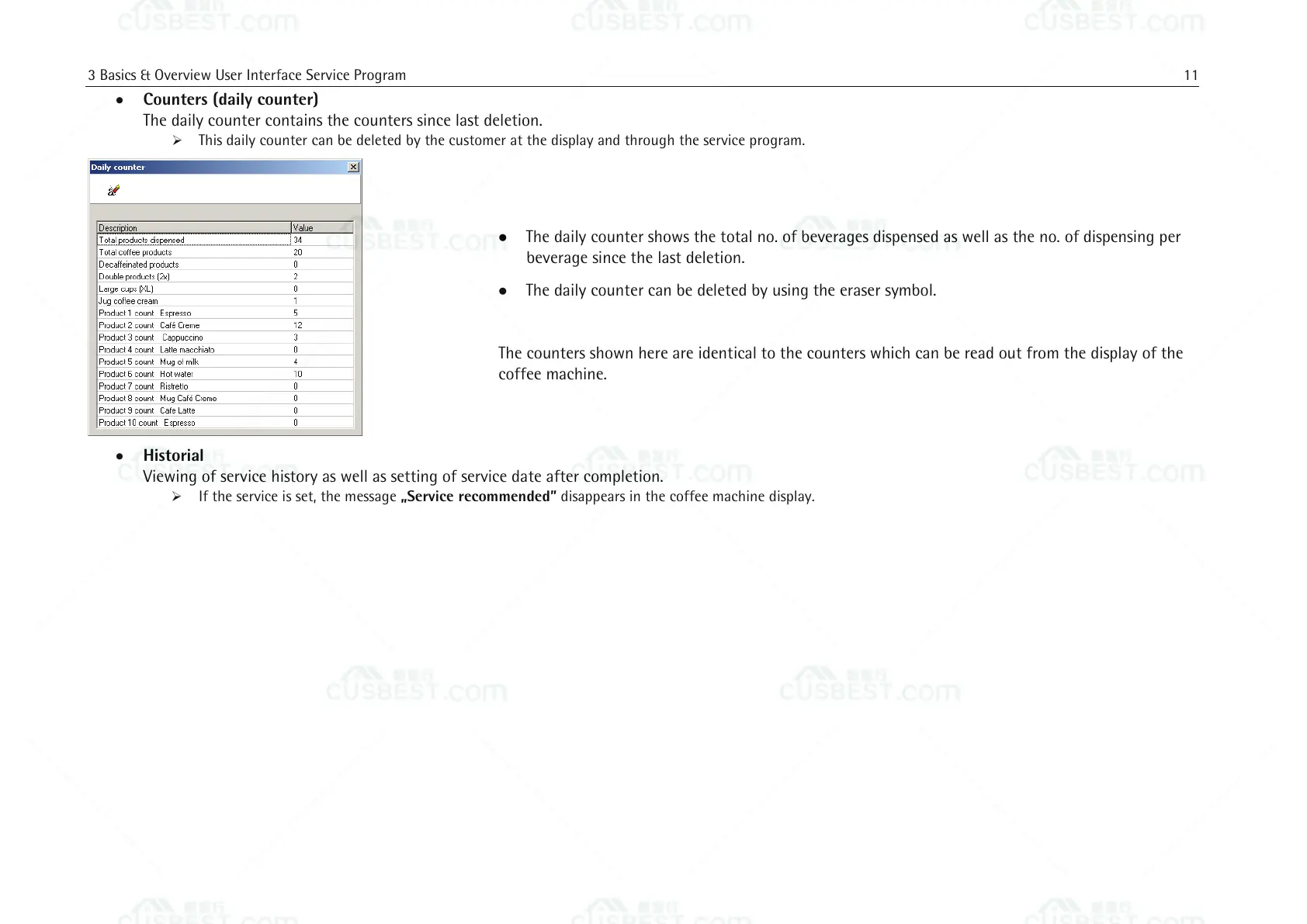
The daily counter contains the counters since last deletion.
This daily counter can be deleted by the customer at the display and through the service program.
The daily counter shows the total no. of beverages dispensed as well as the no. of dispensing per
beverage since the last deletion.
The daily counter can be deleted by using the eraser symbol.
The counters shown here are identical to the counters which can be read out from the display of the
coffee machine.
Historial
Viewing of service history as well as setting of service date after completion.
If the service is set, the message „Service recommended” disappears in the coffee machine display.















 To Next Page