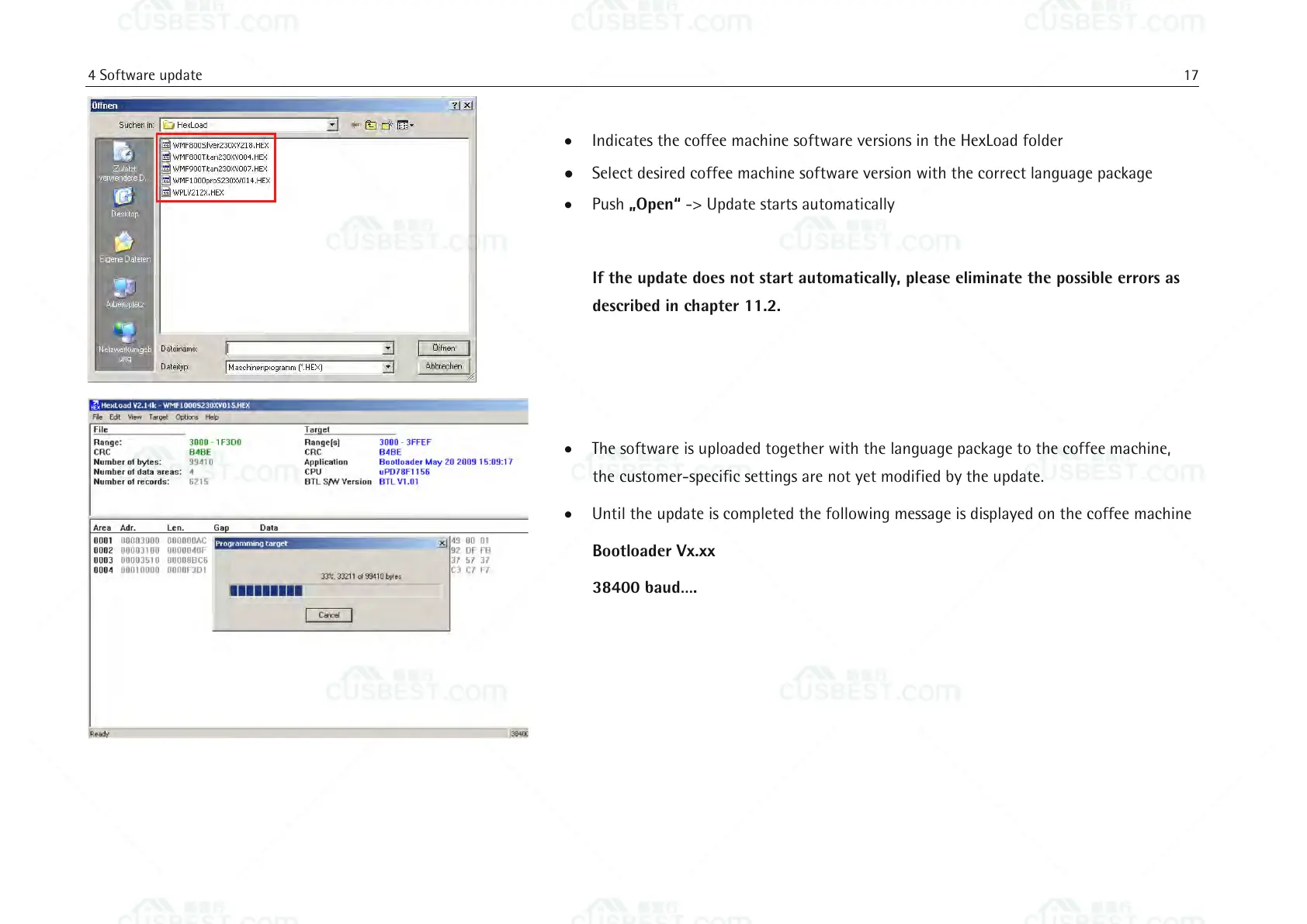
Indicates the coffee machine software versions in the HexLoad folder
Select desired coffee machine software version with the correct language package
Push „Open“ -> Update starts automatically
If the update does not start automatically, please eliminate the possible errors as
described in chapter 11.2.
The software is uploaded together with the language package to the coffee machine,
the customer-specific settings are not yet modified by the update.
Until the update is completed the following message is displayed on the coffee machine
Bootloader Vx.xx
38400 baud….















 To Next Page