1-8
FEATURES
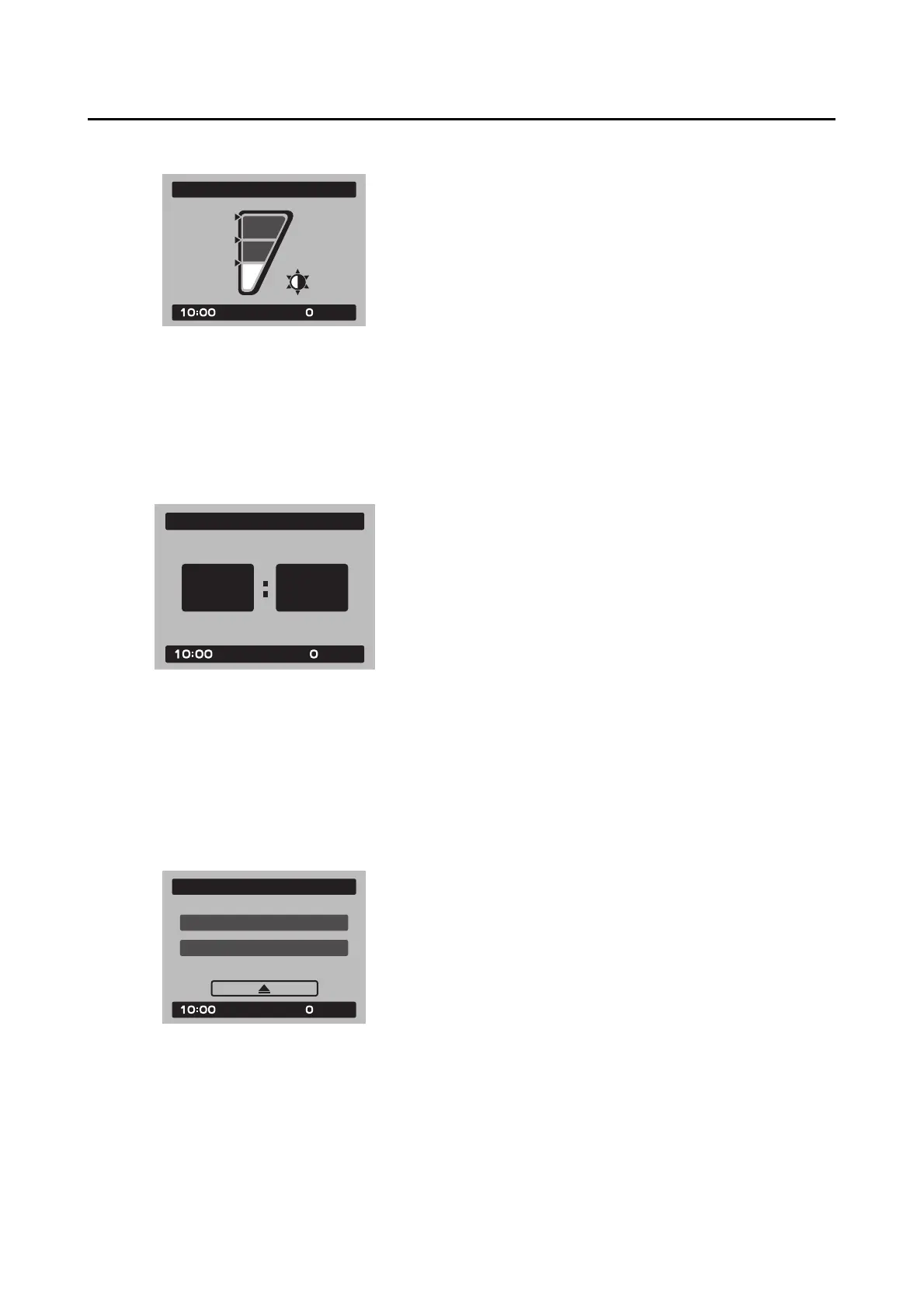
“Brightness”
This module allows you to adjust the general
brightness level of the display screen.
Select the desired brightness level by rotating
the wheel switch, and then short push the wheel
switch to fix the setting and return to the top
MENU screen.
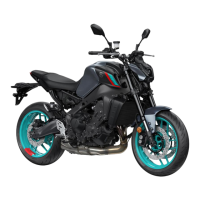
“Clock”
This module allows you to set the clock.
When the clock module is selected, the hours
will be highlighted.
Set the hours by rotating the wheel switch. Push
the switch to confirm and highlight the minutes.
After confirming the minutes, you will be re-
turned to the top MENU screen.
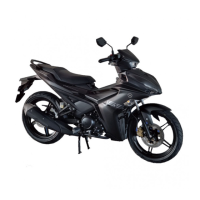
“All Reset”
This module resets all settings items (except the
odometer and clock) to their default or factory
presets.
Select YES to reset all items. After selecting
YES, all items will be reset and the screen will
automatically return to the top MENU screen.











 To Next Page