25www.zcorp-users.com
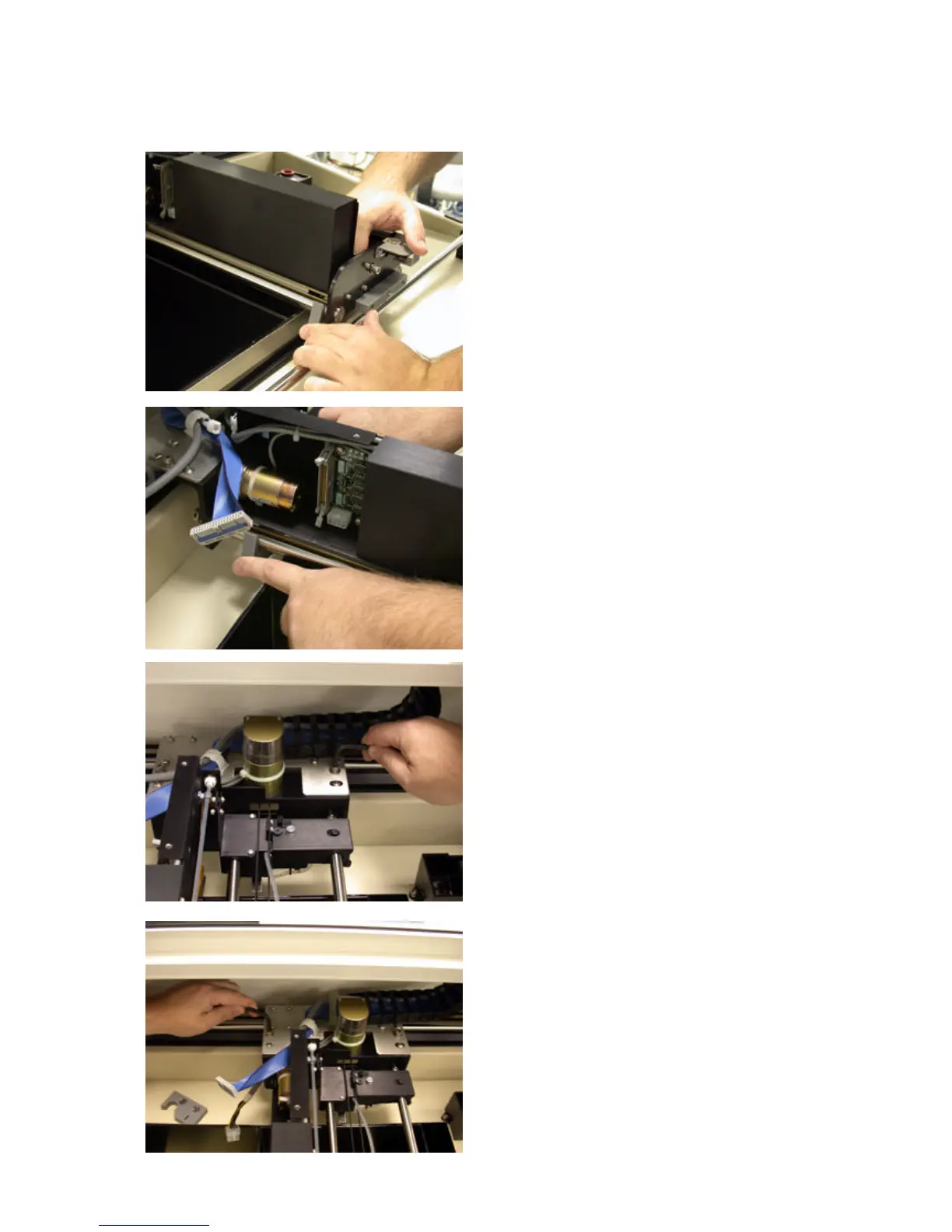
8. Remove the snowplow from the front of the printer mod-
ule. Slide the snowplow away from the edge of the build
box until it disengages from the retaining tab. Press on the
top edge of the snowplow until it pops off the spreader roller.
9. Repeat step 8 for the snowplow in the back of the printer
module.
10. Using the 3/16 hex wrench, remove the mounting screw
located on the right side of the motor assembly.
11. Using the same hex wrench remove the mounting screw
located on the left side of the motor assembly. Support the
printer module by hand while removing the mounting screw.



 To Next Page