26 service@zcorp.com
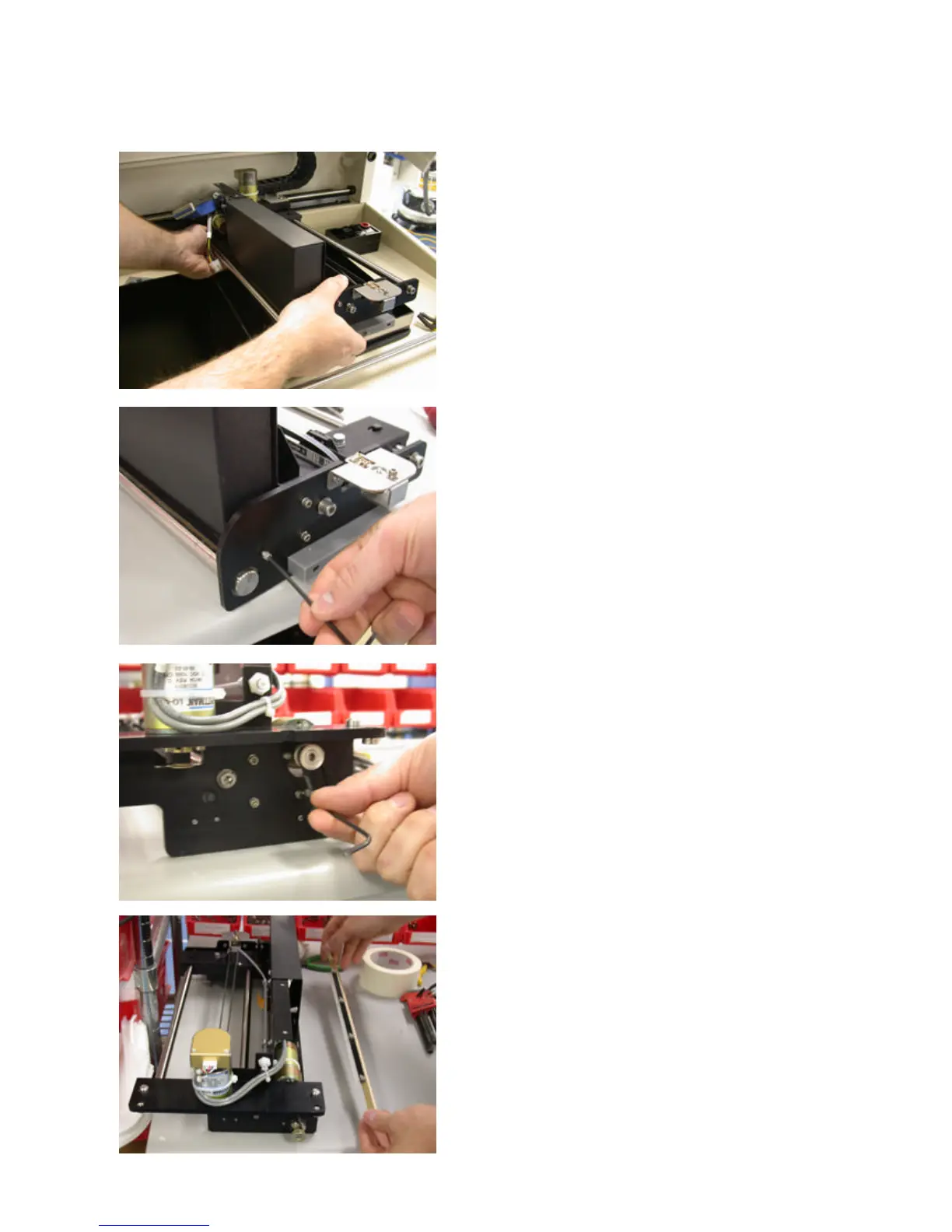
12. Pivot the front of the printer module up while lifting from
the rear and remove. Place the printer module on a flat
area.
13. Using the 3/32 hex wrench, remove the three hex
screws holding the scraper blade retainer and scraper blade
onto the printer module.
One screw located in the front and two in the back
(underneath the roller bearing).
14. Lift the printer assembly. The roller scraper should drop
from the printer assembly.



 To Next Page