82 service@zcorp.com
Wick
Wick
Oiler
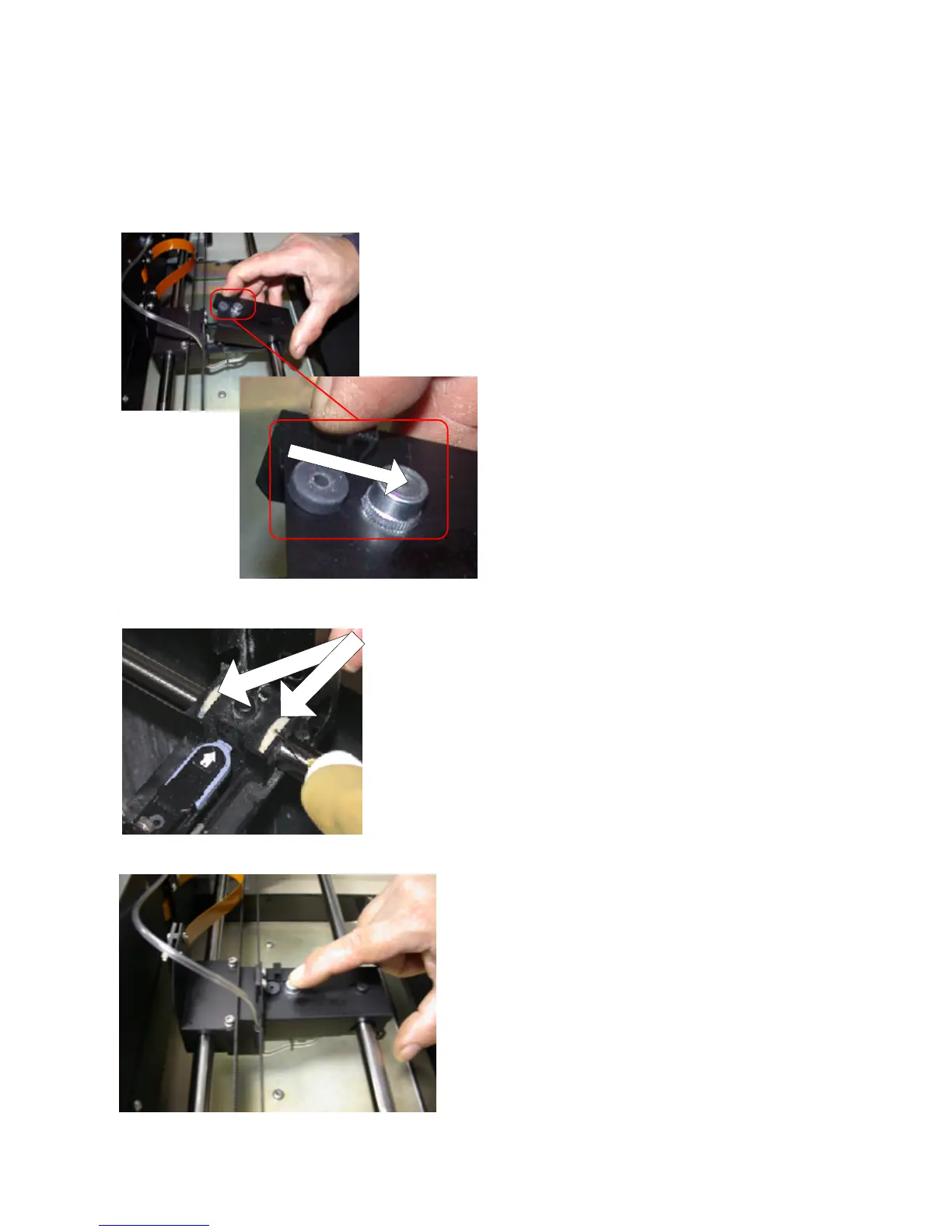
6. Lift the carriage cover to expose the two oil
wicks, located on the right side of the print head.
7. Using the oil canister supplied in the toolbox
that accompanies each ZPrinter 310 System,
squeeze oil onto the wicks until saturated -
approximately 10 seconds.
8. Close the carriage cover and press on the
carriage plunger until it clicks.
Pull Lever Back to Open



 To Next Page