83www.zcorp-users.com
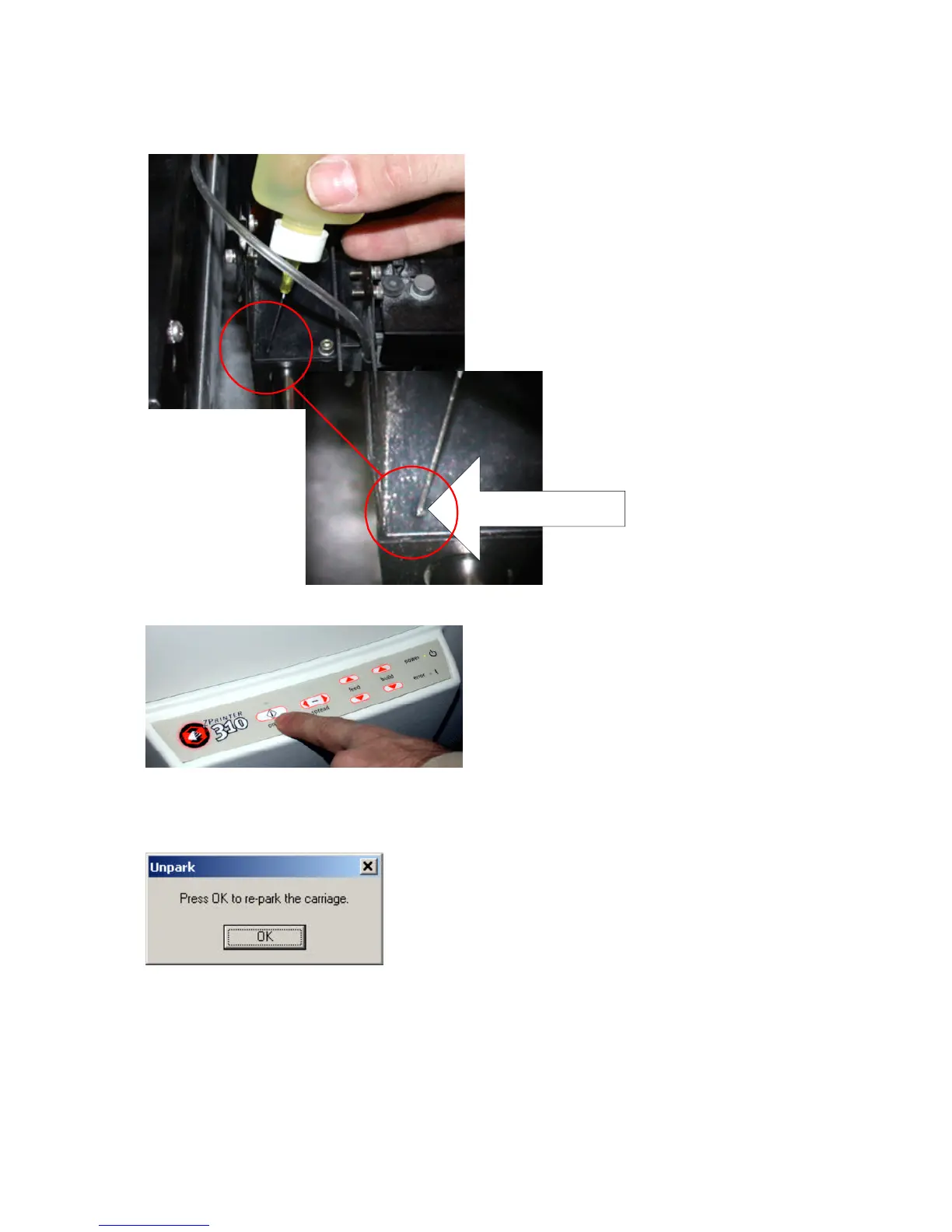
9. Using the oil canister supplied in the ZPrinter
310 toolbox, squeeze oil into the two holes found
in the carriage above the fast axis rail for about
10 seconds.
10. Close top cover.
Two tiny holes are located in the
front and back of the carriage.
11. Place the printer back online.
12. Press ‘OK’ to repark the gantry.



 To Next Page