5.
6. If either component fails to start up after these steps, contact Mindray Tech Support.
16.1.2 PERIPHERAL PROBLEMS
17” Display monitor, no video
Power down the system, then switch off circuit breaker (at rear of system) to remove power to
system electronic.
Remove cover on back of monitor, and inspect/verify the cable connection.
Sony B/W printer fails to power on
Check the power cord connections.
Temporarily connect the power cord of the peripheral to a local receptacle, and test for
operation of the peripheral.
If the peripheral fails to power on after these steps, contact Mindray Tech Support.
Sony B/W printer fails to print
Check that the printer has paper available.
Verify power button on printer has been activated.
Ensure that the USB cable is properly connected on the peripheral device, and connected
internally to the dock module and consult following table.
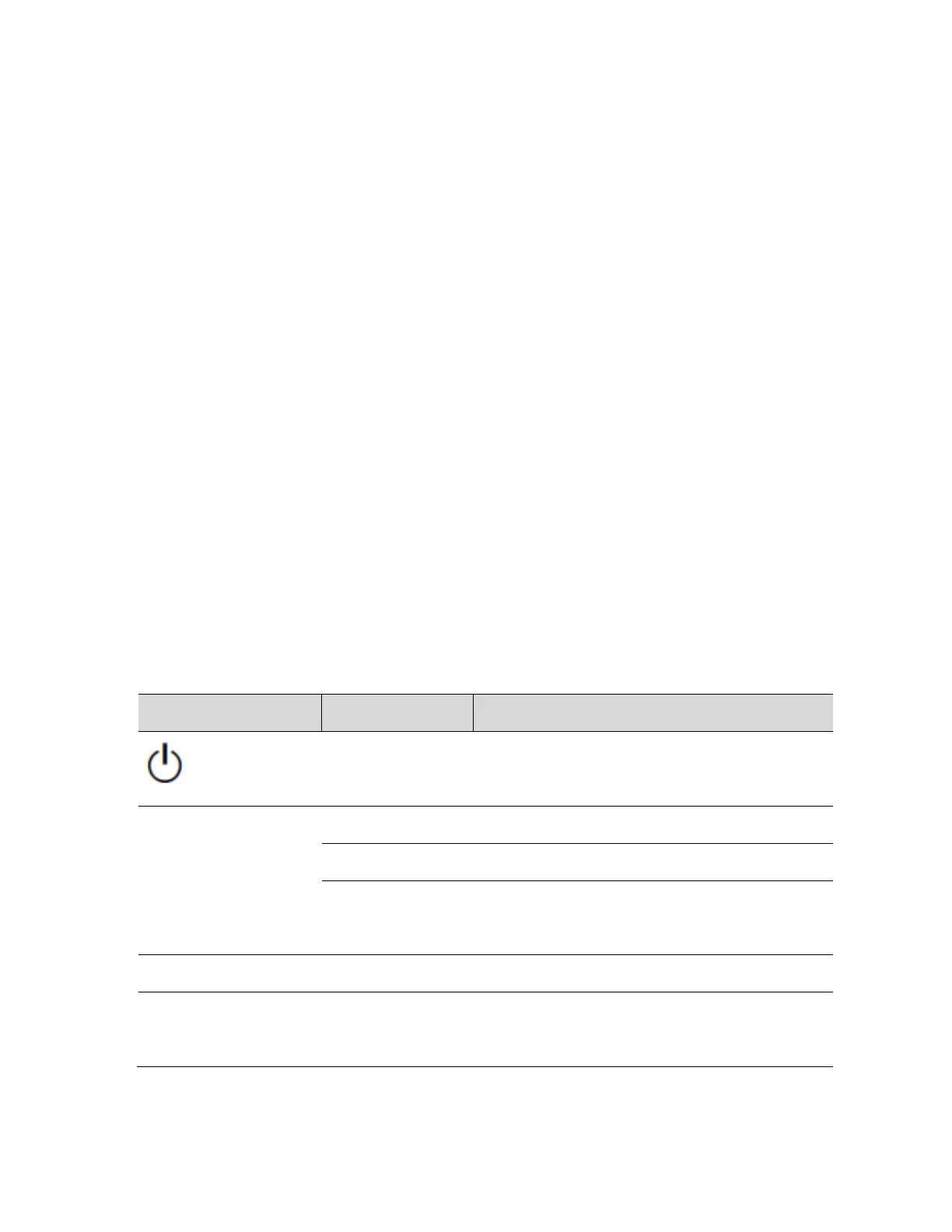
Standing by until the thermal head is ready
for printing. Wait until the PRINT lamp
lights. Printing resumes automatically.
Door open > close door until it latches.
Printer malfunction > Turn the printer off and
back on. If error persists, contact Sony or



 To Next Page