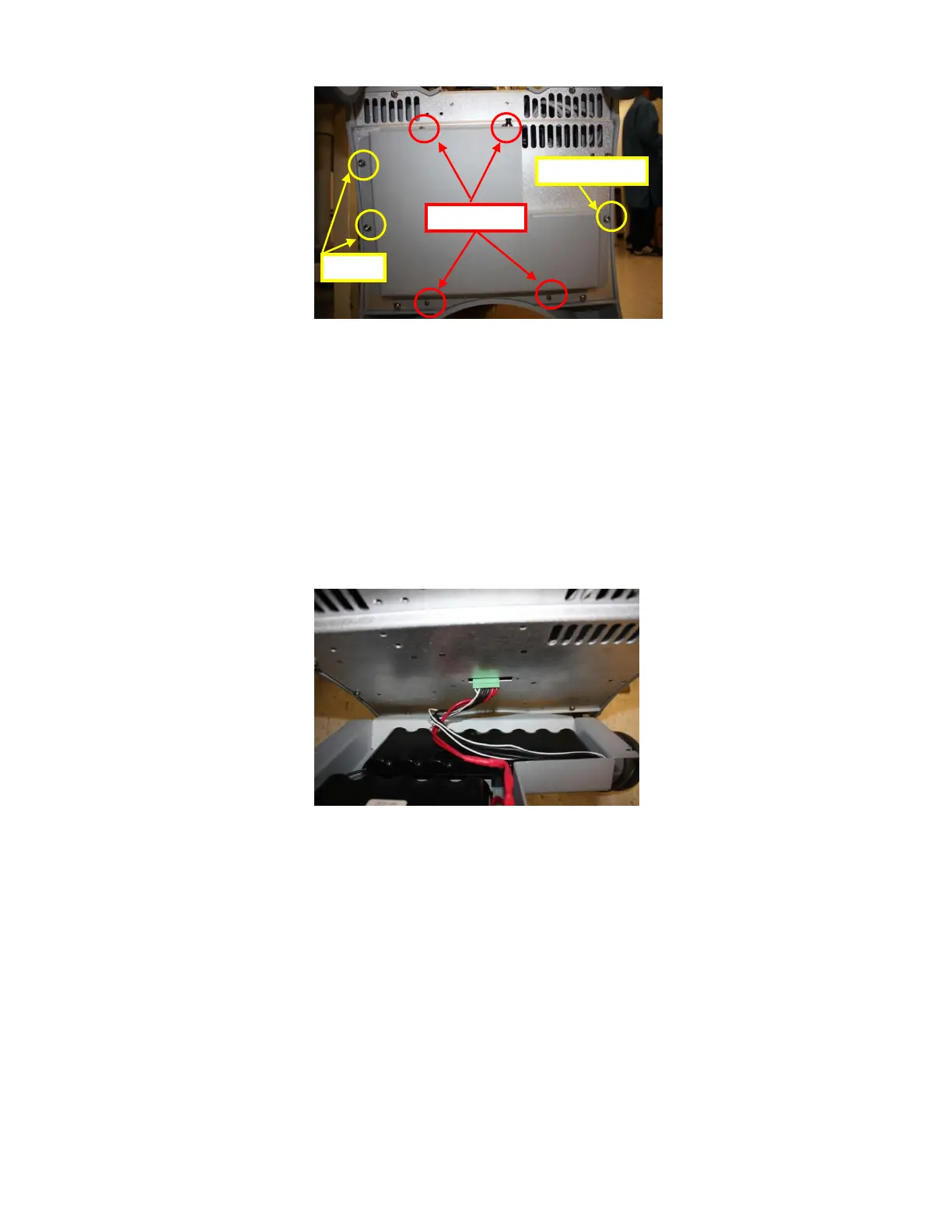
7. Remove the larger screw, located on the right side of the mounting of the
Battery Pack to the bottom of the system (leaving the last two (2) screws, on the left side of
the battery pack, still in place).
8. Slightly loosen (but DO NOT REMOVE) the remaining two (2) large screws
(on the left side of the battery pack), while supporting the weight of the battery pack with
your hand.
9. While still supporting the weight of the battery pack, slide it to the right to enable the
slotted holes in the cover to come free from the last two mounting screws,
10. Lower the battery pack slightly to enable access to the connector at the end of the battery
pack power cable, and unplug the connector from the power supply on the system.
11. Remove the battery pack.



 To Next Page