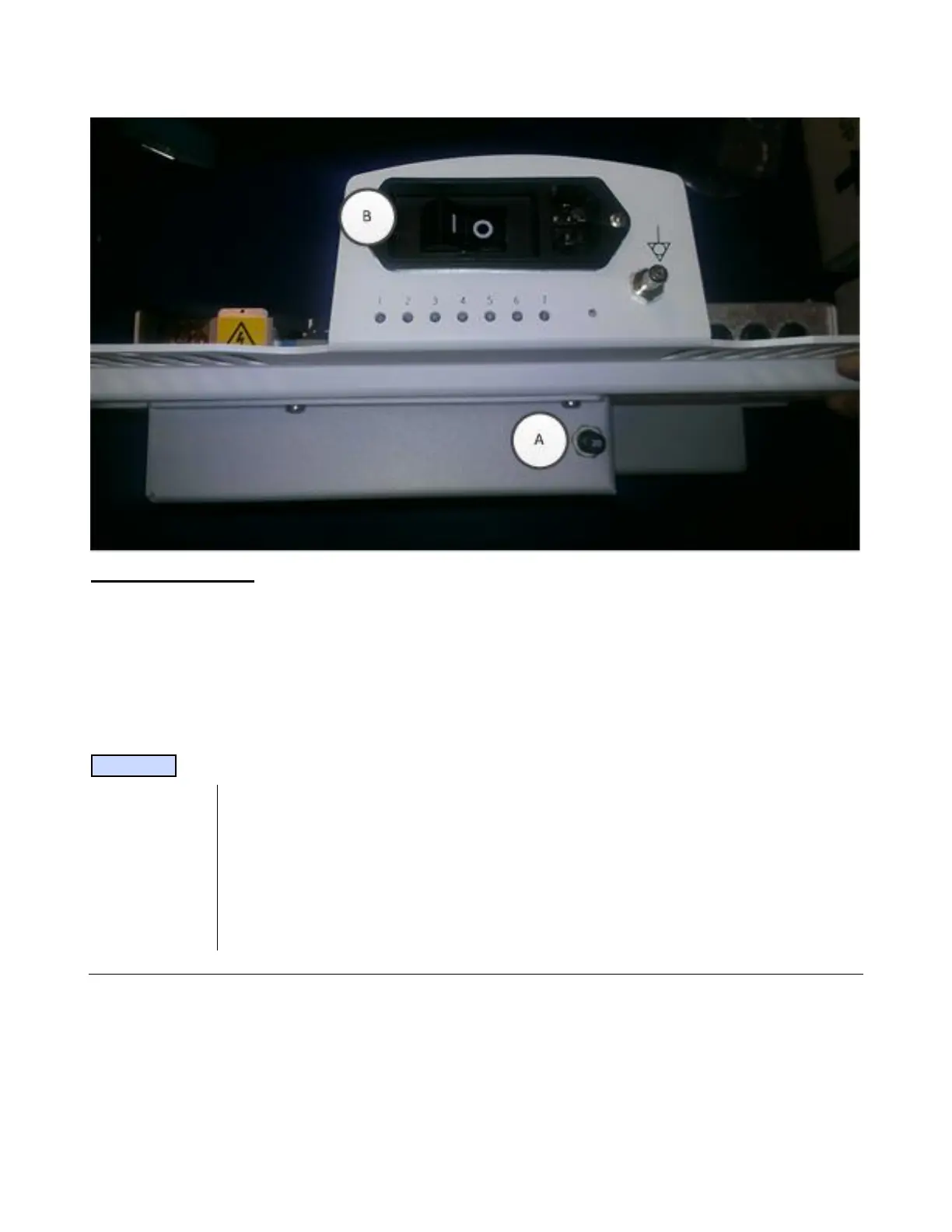
b. B. Flip the cart circuit breaker “on” by pushing in the “1”.
System Verification:
1. Power on the system and perform a series of basic user operations, to verify normal system
functionality.
2. Verify that the battery status ICON, on the upper-left corner of the display of the system, shows a
current status.
3. Verification is complete – return system to normal operation.
---------------------------------------------------------------------------------------------------------------------------
NOTE
Charge until status is “Charged”. This might take 2-16 hours. If not needed for use,
power system off but leave plugged in. Once the “Charged” state is reached, LED#2
should now be solid, if not, call Service.
If the Z-PAK battery pack being installed is not a new item (older/reduced capacity
cells), or there are any subsequent battery performance concerns after part replacement,
perform the “Recondition” procedure described in Chapter 18 of this manual.



 To Next Page