5.1.1 USER INTERFACE FUNCTIONS
Note: Not all controls are available on the SP user interface. Features and functions not directly
accessible via hard key are still available however, via menus.
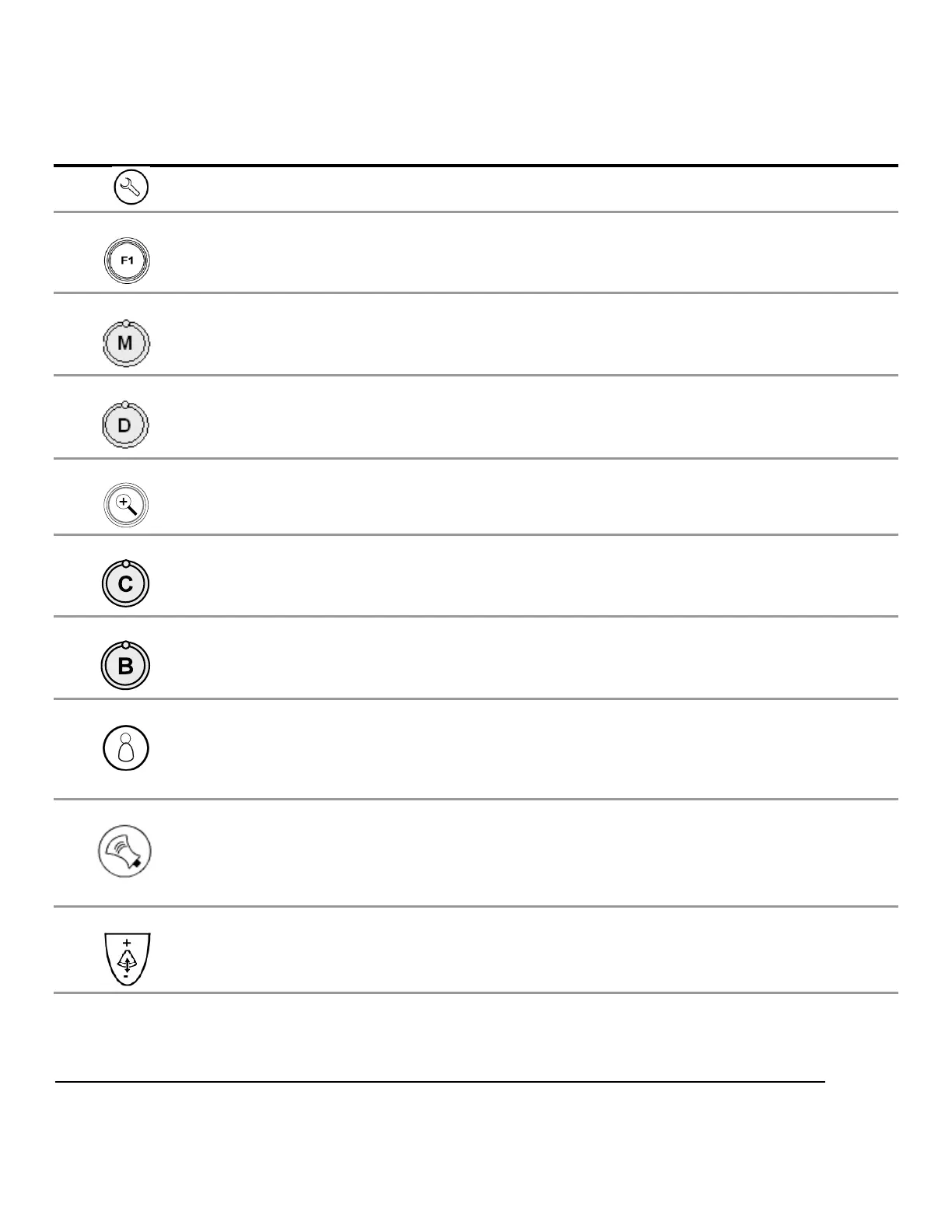
System Control Description
Setup Used to bring up the SYSTEM SETUP configuration menu
F1 –F4 Function keys, user configurable in System Setup menu
M-mode Press to enter M-mode; Rotate to adjust gain
D-mode Press to enter Doppler mode; Rotate to adjust gain
ZOOM Initiates the variable image magnification process
C-mode Press to enter Color Doppler mode; Rotate to adjust gain
B-mode Press to enter B-mode (2-D) ; Rotate to adjust gain
Exam Type Brings up Exam Type/Presets configuration menu, and six user Preset
setting to OLED display windows
Transducer (MTP) Used to bring the available transducers to the OLED display windows, for
selection of a desired transducer from the 3-Port MTP panel.
DEPTH Adjusts (Up/Down) the imaging depth of the display



 To Next Page