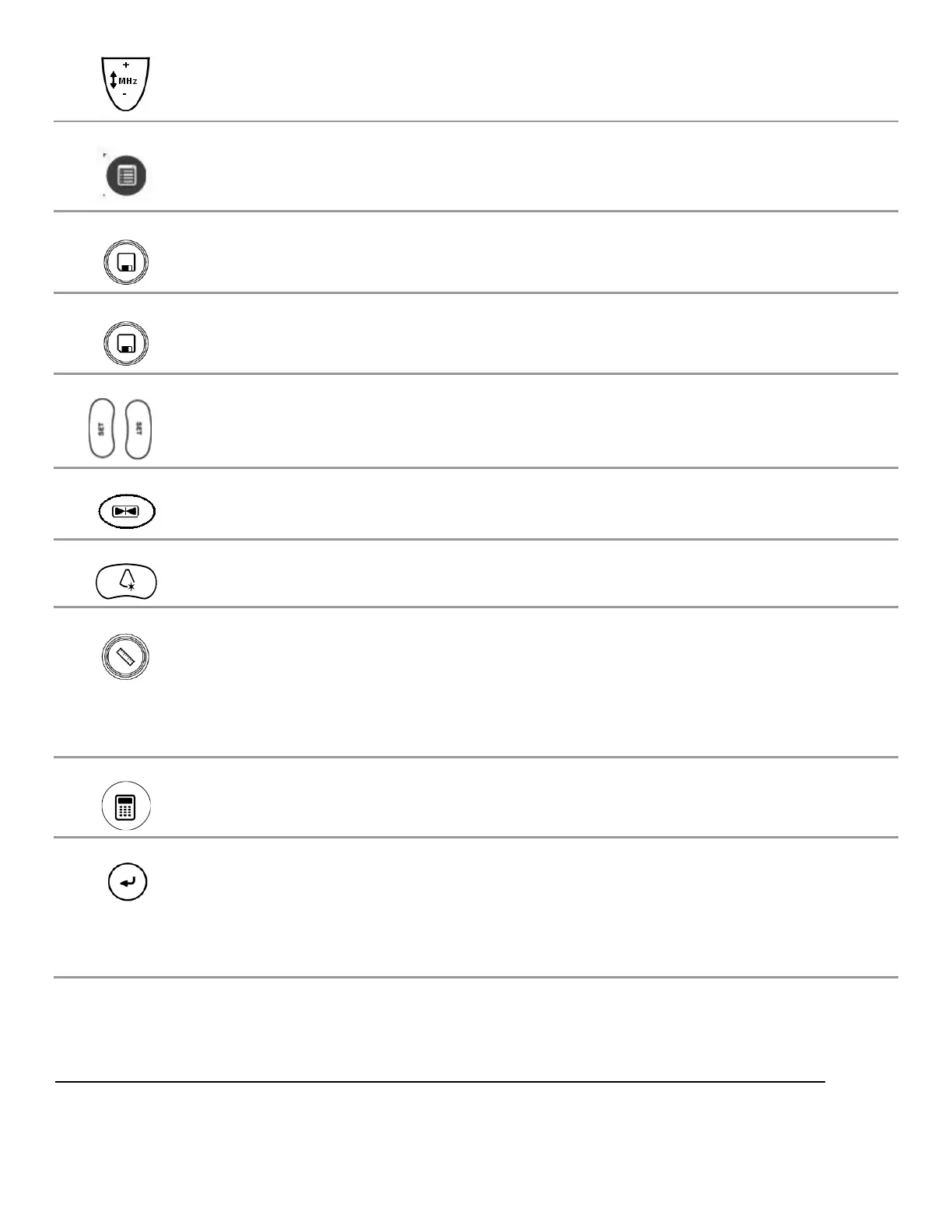
FREQUENCY Enables increasing/decreasing transmit frequency
Menu Press to display menu list.
STORE2 Press to store the displayed image to the alternate storage device.
STORE1 Press to store the displayed image to the primary storage device.
SET “SET” Used to toggle the function of active items on display
FREEZE Halts or re-starts active imaging on the display
OPTIMIZE Dual function: “ZST” Sound Speed Correction and/or “AutoOpt” (DGC)
MEASURE Multi function key:
1) Brings up dynamic caliper (live) or Calc menu (frozen)
2) Toggles on/off the Auto-Dop Trace function, in PW Doppler mode
CALC Brings up the Calculations menu page.
ENTER (Calc) / Shared function key:
1) Ends the current Calculation process, and produces a result
2) Toggles between the (A) or (B) image, as the “Active” (selected) image,
in DUAL mode



 To Next Page