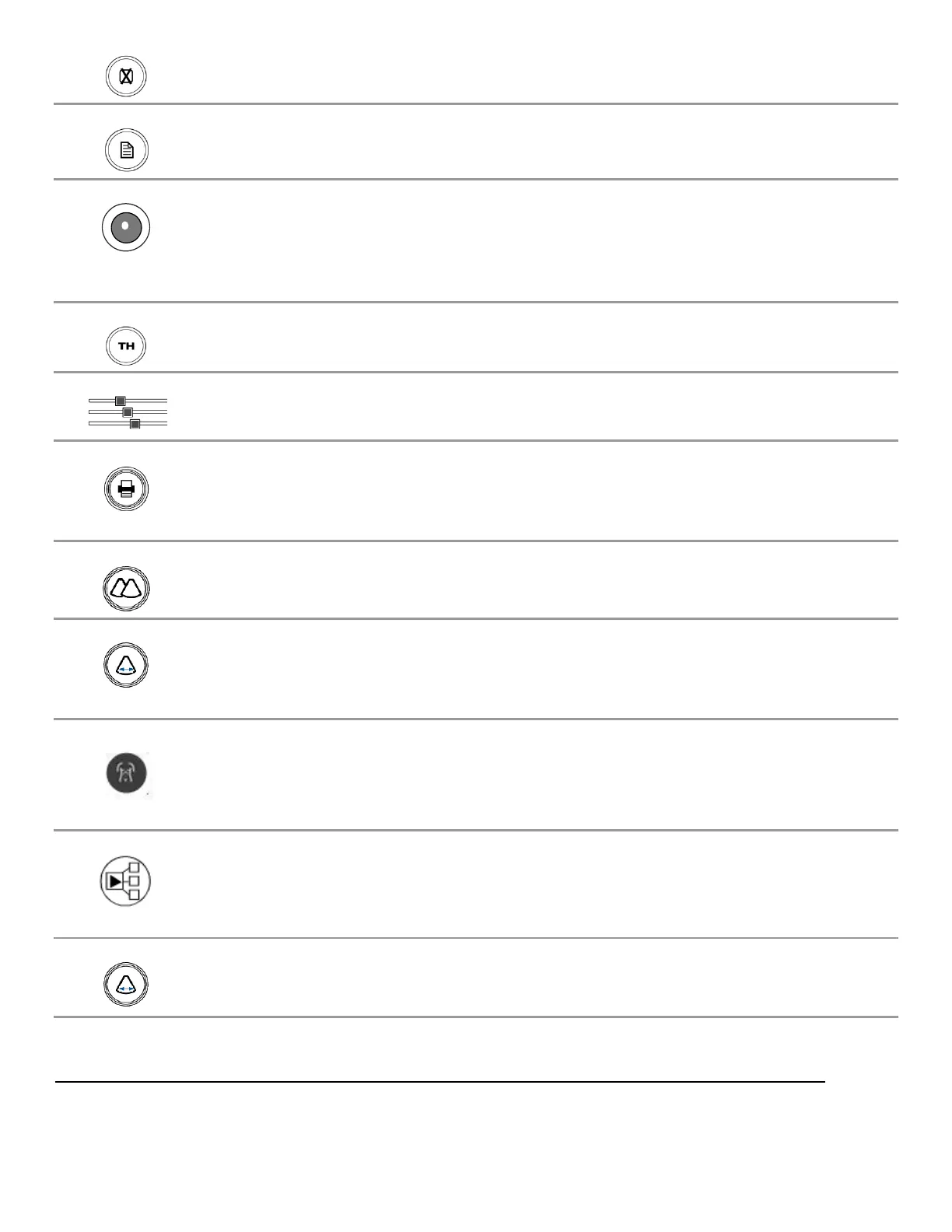
Undo (Calc) Deletes active Calculation tool from the display
REPORT (Calc) Brings up the Calculation report page
Trackball Used for positioning the cursor, defining size/position of ROI in color
mode, positioning measurement tools, reviewing cine-loop images and
navigating form/tables/worksheets/reports
HARMONICS Activates tissue harmonics imaging mode
DGC DGC Slide pots Changes gain of image at discrete depths
PRINT Sends current image to device(s) previously specified in System Setup
menu (Local Printer, DICOM printer, DICOM store).
DUAL Mode Activates/deactivates DUAL imaging mode
Image Width Enables changing the width (angle) of the active scanning area of the B-
Mode sector, to maximize frame rate
Annotation Press to display the Annotation softkeys for the selected exam/preset and
transducer.
Protocol Used to enable controls for selecting timing (time or cardiac cycle) for Cine
Clip stores.
Programmable (3) Three programmable mode keys



 To Next Page