“MEDIA” CONFIGURATION
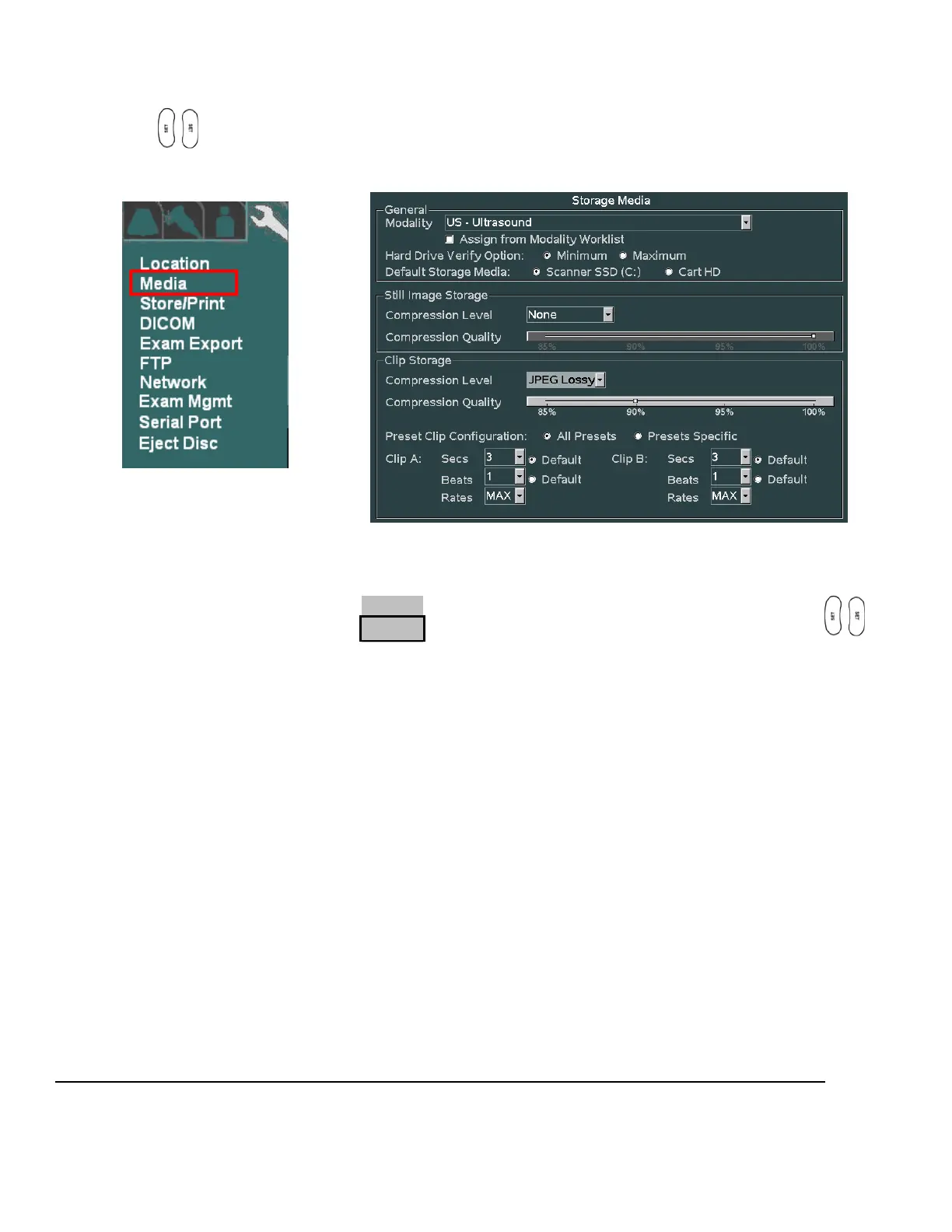
1. Within the ARCHIVE selection, use the trackball to backlight Media selection, press one of the SET
keys to bring up this menu.
ARCHIVE Sub-Menu STORAGE MEDIA Sub-Menu
2. Make any changes desired to the settings for still and clip image compression, and defined modality. In
most cases using the factory default settings will perform well on a customer system.
3. To save the new settings, select APPLY from the main menu, and press one of the SET keys to
save new settings.



 To Next Page