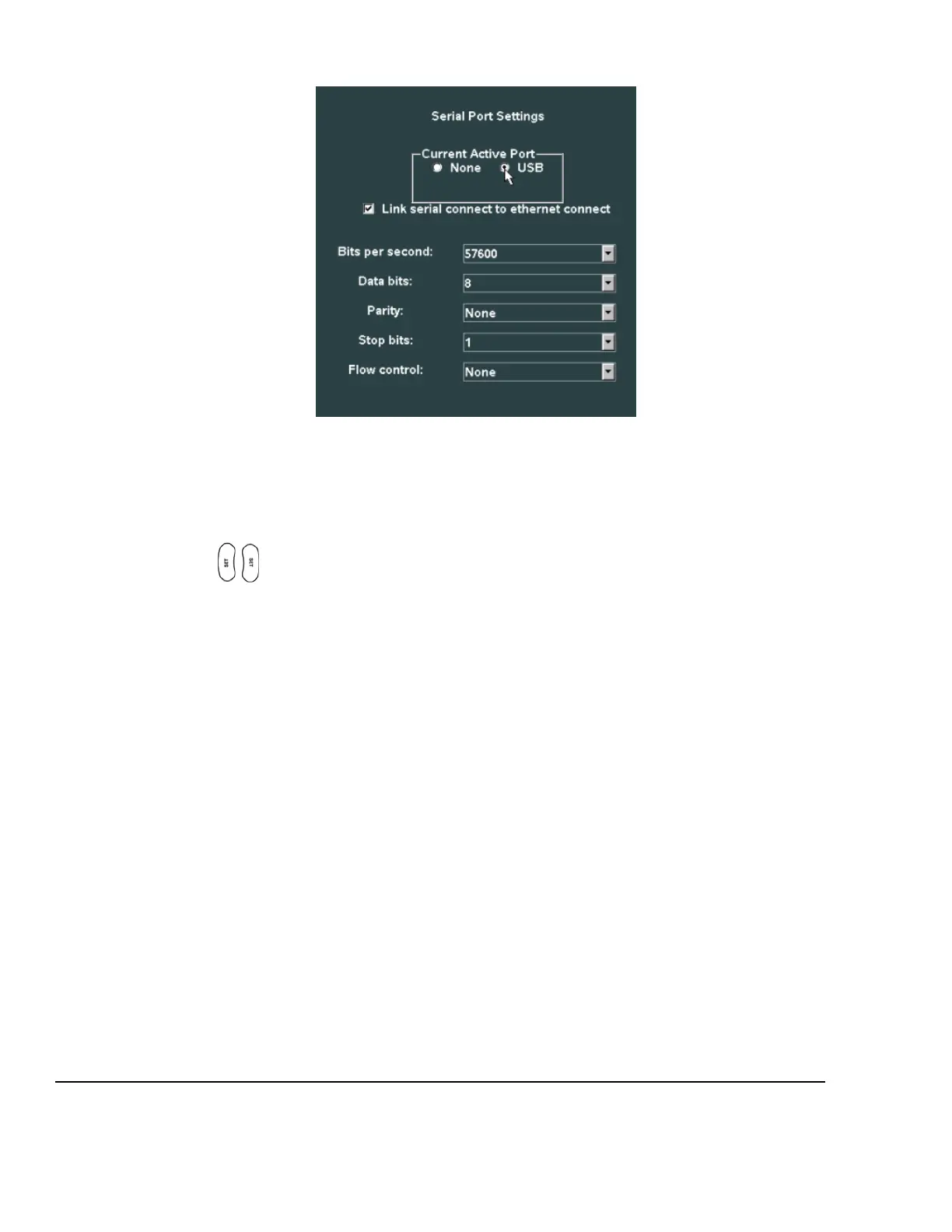
SERIAL PORT Sub-Menu
3. If desired, check the box to select the USB port as the target for EXPORT function of OB/GYN report
data.
4. If desired for report data to be exported in sync with DICOM image transfers to the PACS system over
the network, check the box for “Link Serial Connect to Ethernet Connect”.
5. Using the Menu Control, arrow down to backlight Apply selection in the main menu, and press one of
the SET keys to save the serial port configuration setup, and exit



 To Next Page