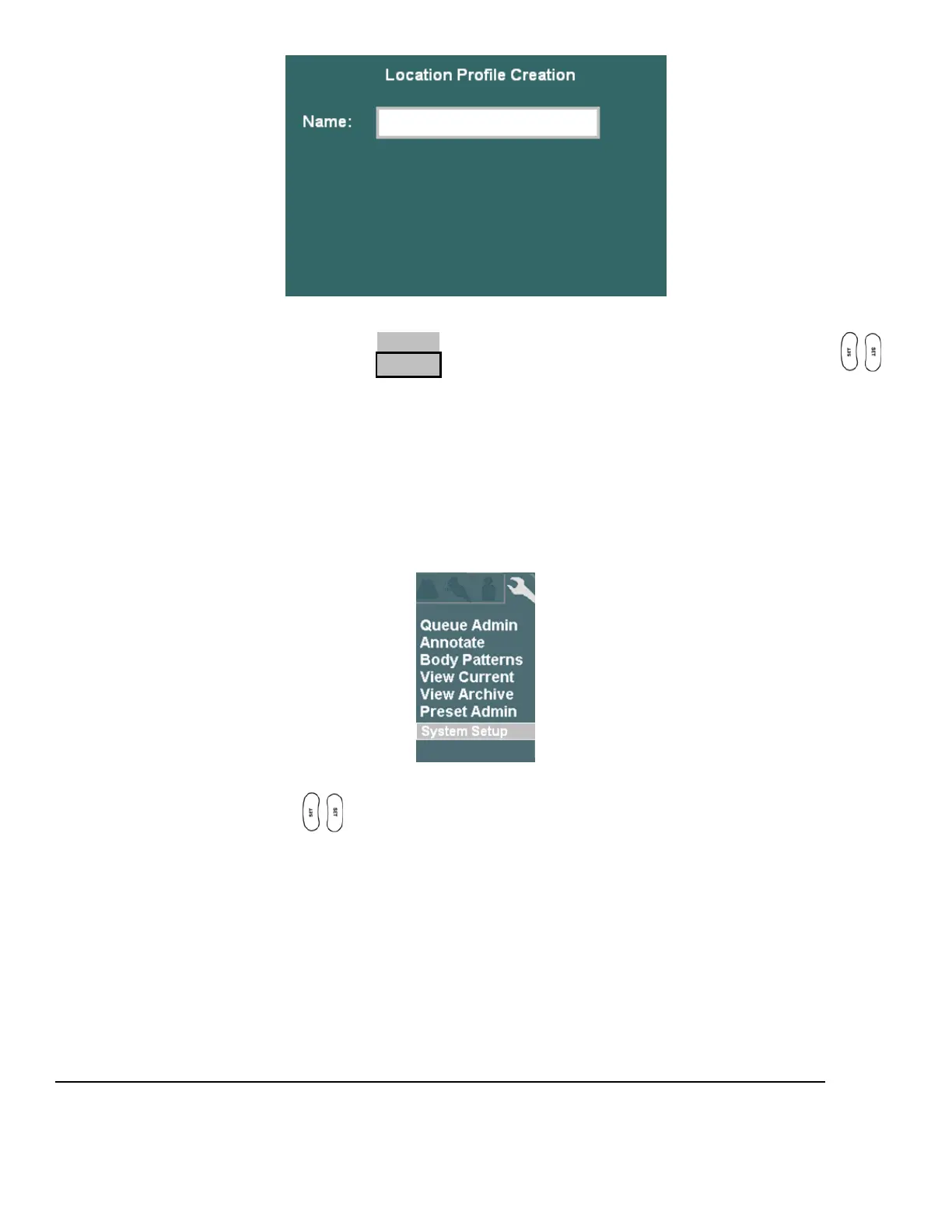
7. Enter in the desired user-defined name to be used for the new “Location”
8. To save the new Location, select APPLY from the main menu, and press one of the SET keys
Open each of the configuration pages (Network, DICOM General, etc) for parameters that are savable
under the Location manager, and enter in the desired settings. .
DICOM” GENERAL” CONFIGURATION
1. Use the Setup button and trackball to advance menu screen to select TOOLS menu.
TOOLS Menu
2. Using the trackball and scroll down to backlight SYSTEM SETUP selection, and press one of the
SET keys to bring up the main menu, then select the ARCHIVE option, followed
by the DICOM option.



 To Next Page