CELL-DYN
®
3200 System Operator’s Manual
5-15
9140181H—October 2001
Section 5 Operating Instructions
To Set Date/Time
1. From the SET UP MENU screen, press[DATE/TIME]to display the DATE/TIME
SET UP screen.
2. Type the number of the desired format at the cursor.
3. Press the Enter key on the keyboard to save the entry and advance to the
DATE entry field.
4. Type the date in the selected format using one or two digits. Separate the day,
month and year (year must be 4 digits) with a slash (/) or a period (.). The
entry order of the date should conform to the date format just selected.
5. Press the Enter key on the keyboard to save the entry and advance to the
TIME entry field.
6. Type the time in the 24-hour (military) time format using one or two digits.
(For example, 00 for 12 midnight, 06 for 6 am, and 13 for 1 pm.) Separate the
hours and minutes with a colon (:) or a period (.).
7. Press the Enter key on the keyboard to save the entry.
8. Press [RETURN] to return to the SET UP MENU screen.
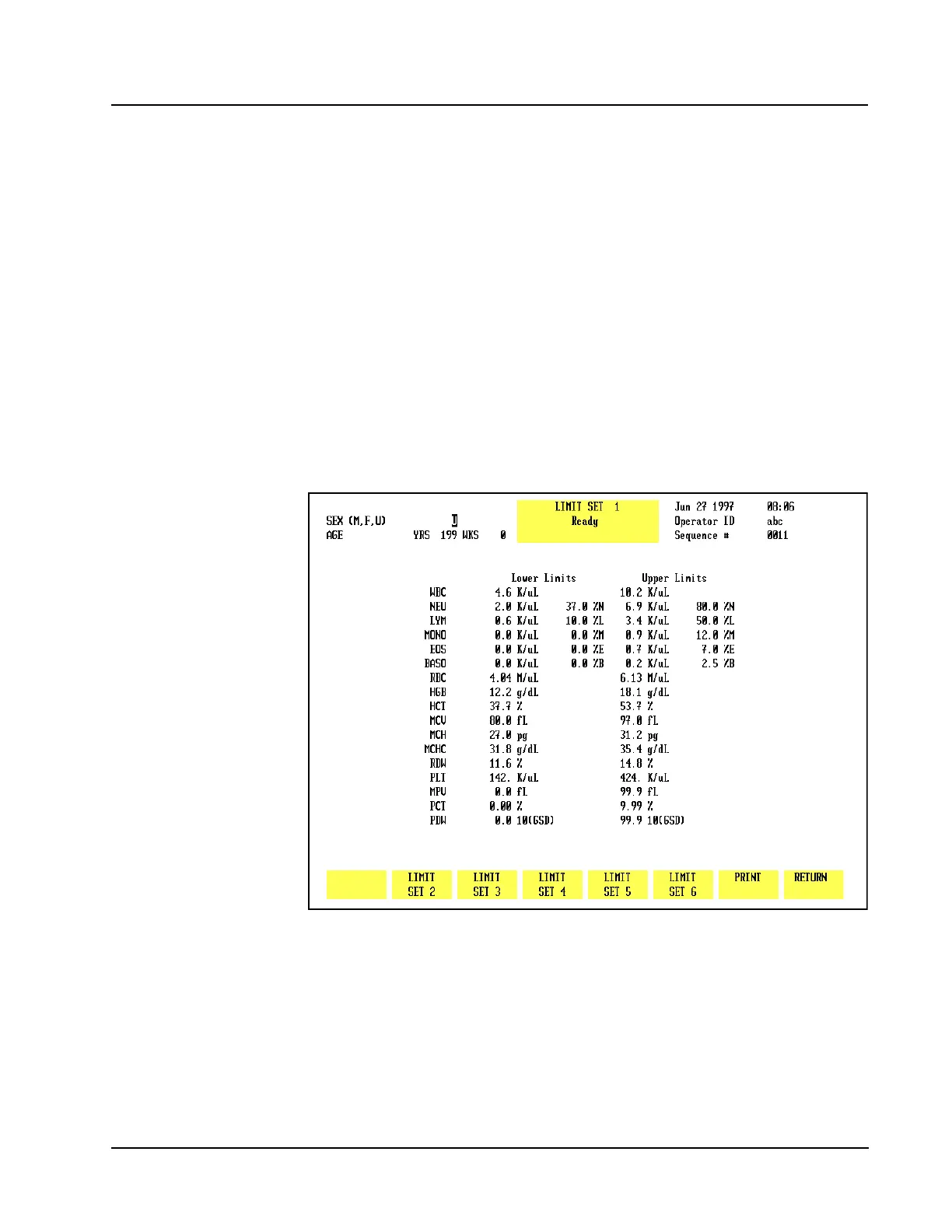
Figure 5.4 Patient Limits Screen



 To Next Page