5-14
CELL-DYN
®
3200 System Operator’s Manual
9140181H—October 2001
Operating Instructions
Set Up Instructions
Section 5
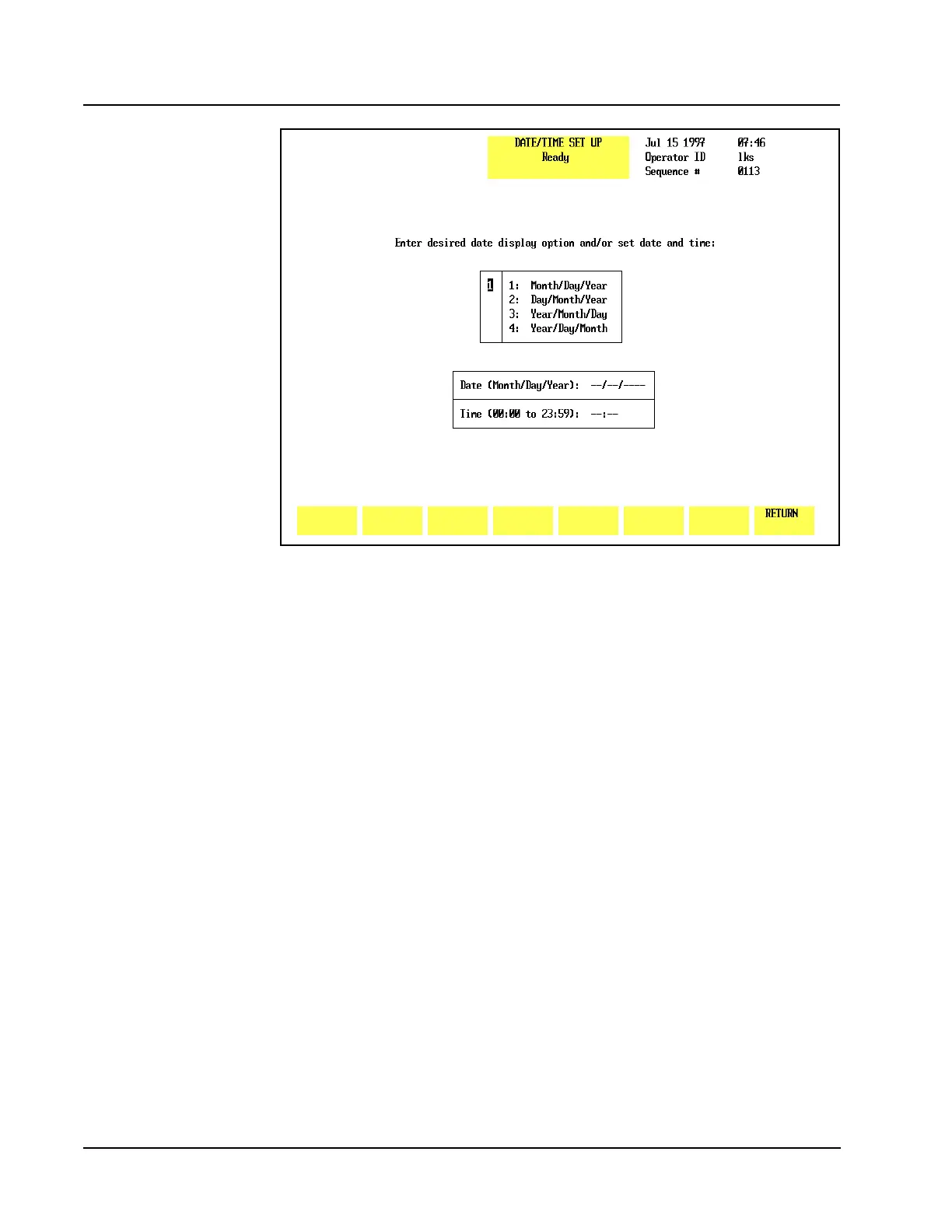
Figure 5.3 Date/Time Set Up Screen
Date/Time
The [DATE/TIME] key is used to enter the date and time. This screen allows the
operator to select the format for displaying the date and to change the date and time
as required. Four different date formats are available. The numbers on the
DATE/TIME SET UP screen shown in Figure 5.3 correspond to the following
numbered options:
1. Display Format selection box:
1. Month/Day/Year
2. Day/Month/Year
3. Year/Month/Day
4. Year/Day/Month
2. DATE entry field
3. TIME entry field
The desired format is selected by typing the corresponding number in the entry
field displayed to the left of the list (1). When the Enter key on the keyboard is
pressed, the selected format is displayed in the DATE entry field (2, below the
format selection box) and the cursor moves to the entry position. After the date has
been entered, the cursor moves to the TIME entry field (3).



 To Next Page