5-20
CELL-DYN
®
3200 System Operator’s Manual
9140181H—October 2001
Operating Instructions
Set Up Instructions
Section 5
To Delete Entries
When the log is full (the log holds 10 entries), the oldest entry must be deleted to
create space for a new entry. Abbott suggests that, for documentation purposes, the
log be printed when it is full.
1. Press [REAGENT LOG] to display a REAGENT LOGscreen. If necessary, press
a soft key to display the appropriate log.
2. Move the cursor to the oldest entry in the log.
3. Press [DELETE ENTRY]. The [COMPLETE DELETION] and [RESTORE ENTRY]
keys are displayed.
4. Press [COMPLETE DELETION] to delete the selected entry.
5. If desired, a new entry may then be made as described above.
NOTE: New entries may also be made by typing over old entries without
deleting them.
6. Press [RETURN]to return to the main SET UP MENU screen.
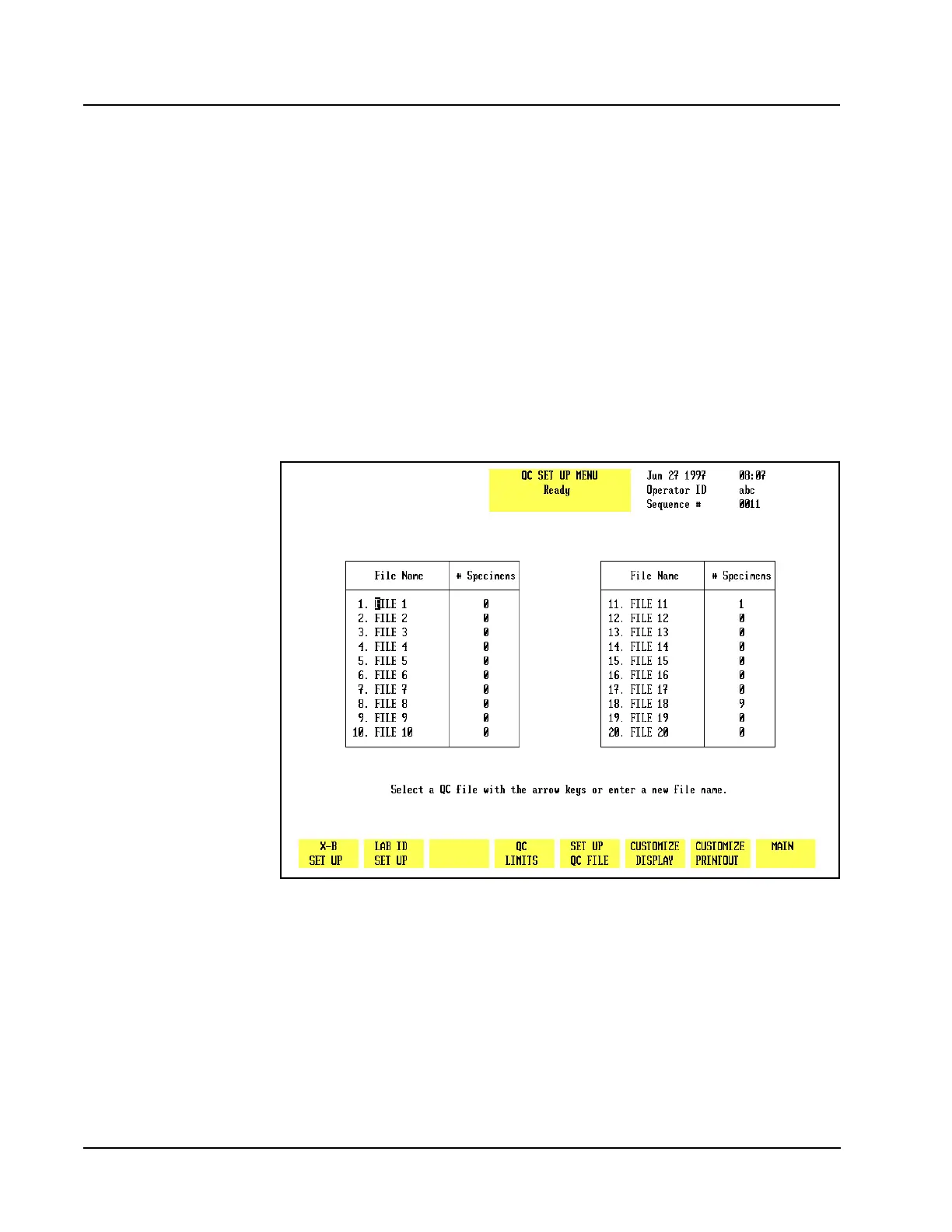
Figure 5.6 QC Set Up Menu Screen



 To Next Page