5-26
CELL-DYN
®
3200 System Operator’s Manual
9140181H—October 2001
Operating Instructions
Set Up Instructions
Section 5
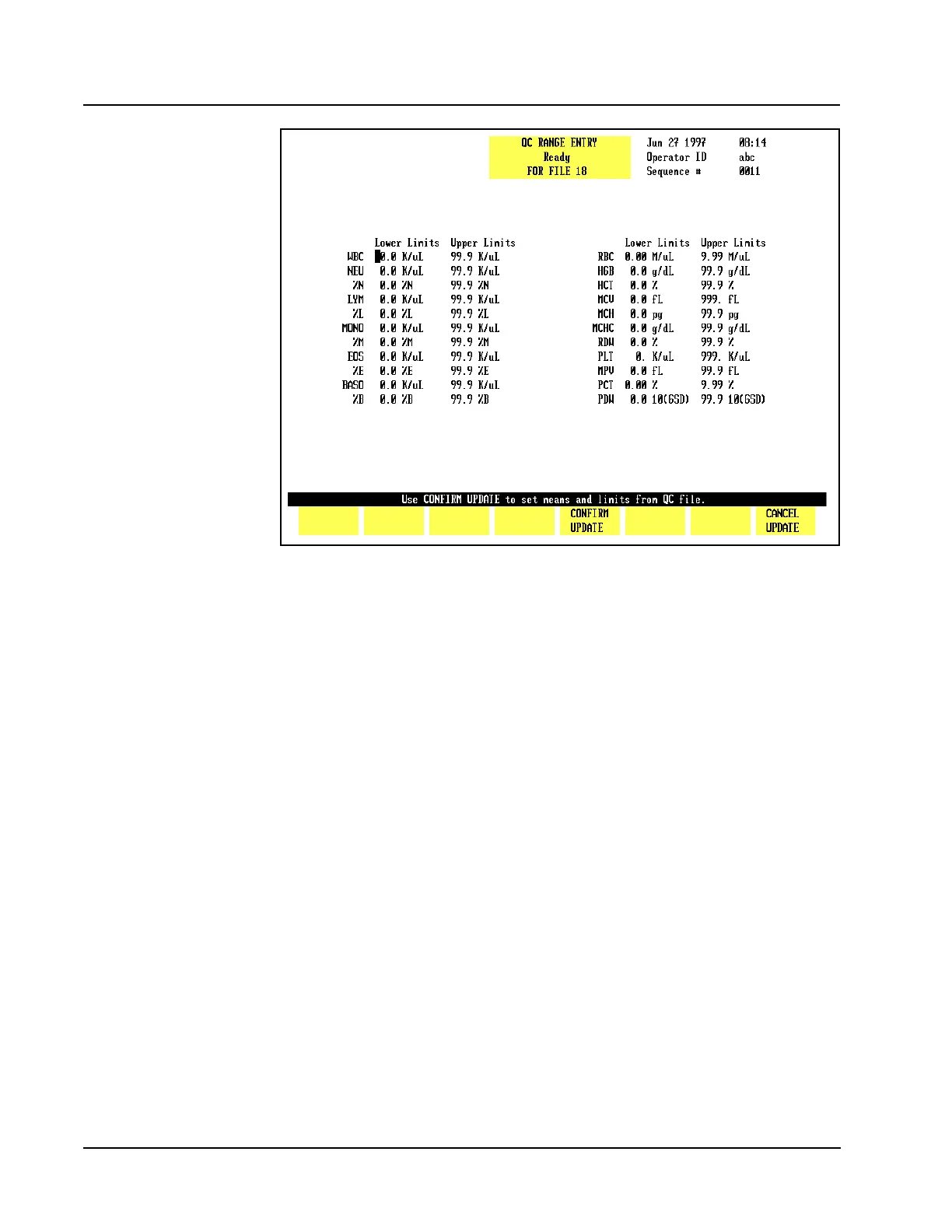
Figure 5.10 Update From File Key
Update From File
The [UPDATE FROM FILE] key is displayed on the QC MEANS/LIMITS ENTRY andQC
RANGE ENTRY screens when there are two or more results in the file. (See Figure
5.10.) When the [UPDATE FROM FILE] key is pressed, the bulletin line displays the
message USE CONFIRM UPDATE TO SET MEANS AND LIMITS FROM QC
FILE and the following soft key labels are displayed:
CONFIRM UPDATE
CANCEL UPDATE
These keys are used to [CONFIRM] or [CANCEL] the Update From File command.
When the[CONFIRM UPDATE] key is pressed, the mean value for each parameter is
computed from the values in the file. The parameter limits are set as follows:
WBC, PLT, RDW and MPV: ± 10% of the computed mean
NEU, LYM and MONO: ± 40% of the computed mean
Remaining Parameters: ± 5% of the computed mean
Load From Disk
The [LOAD FROM DISK] key is used to enter the lot number, expiration date, and
assay values into a QC file directly from a floppy disk. When this option is used,
the lot number, expiration date, mean value and limits (either for QC Range entry
or QC Means/Limits entry) are automatically entered in the selected file. The
values may be edited after they are displayed on the screen.
NOTE: The information is entered for each level, one level at a time.



 To Next Page