CELL-DYN
®
3200 System Operator’s Manual
5-29
9140181H—October 2001
Section 5 Operating Instructions
QC File Set Up
1. Press [QC SET UP MENU] to display the QC SET UP MENUscreen.
2. Use the Arrow keys on the keyboard to move the cursor to the desired QC
file.
3. Type the desired alphanumeric file name. (Up to 12 characters may be
entered.)
4. Press the Enter key on the keyboard to save the entry and advance the cursor
to the next QC file.
5. Use the Arrow keys on the keyboard to move the cursor back into the selected
file.
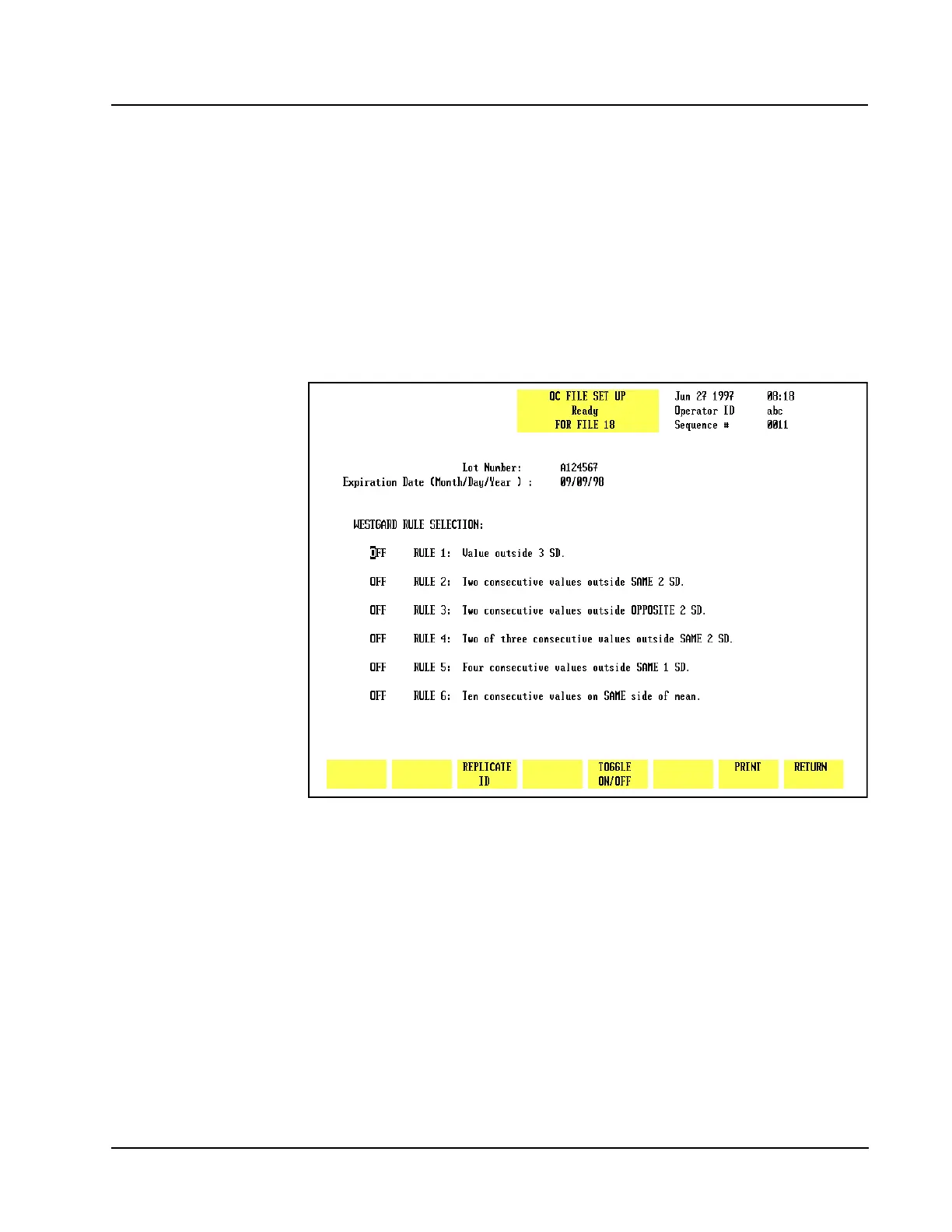
6. Press[SET UP QC FILE]to display the QC FILE SET UP screen.
Figure 5.11 Lot Number Entry Screen



 To Next Page