CELL-DYN
®
3200 System Operator’s Manual
5-37
9140181H—October 2001
Section 5 Operating Instructions
Operation Set Up Menu
The OPERATION SET UP MENU screen (see Figure 5.16) allows the operator to
select screen colors, the type of bar code used, and to configure the transmission to
an on-line (host) computer. The following soft key labels are displayed when the
[OPERATION SET UP]key is pressed:
TURN ON RETIC PKG
LANGUAGE
SELECT COLOR
BAR CODE SET UP
COMPUTER SET UP
RETURN
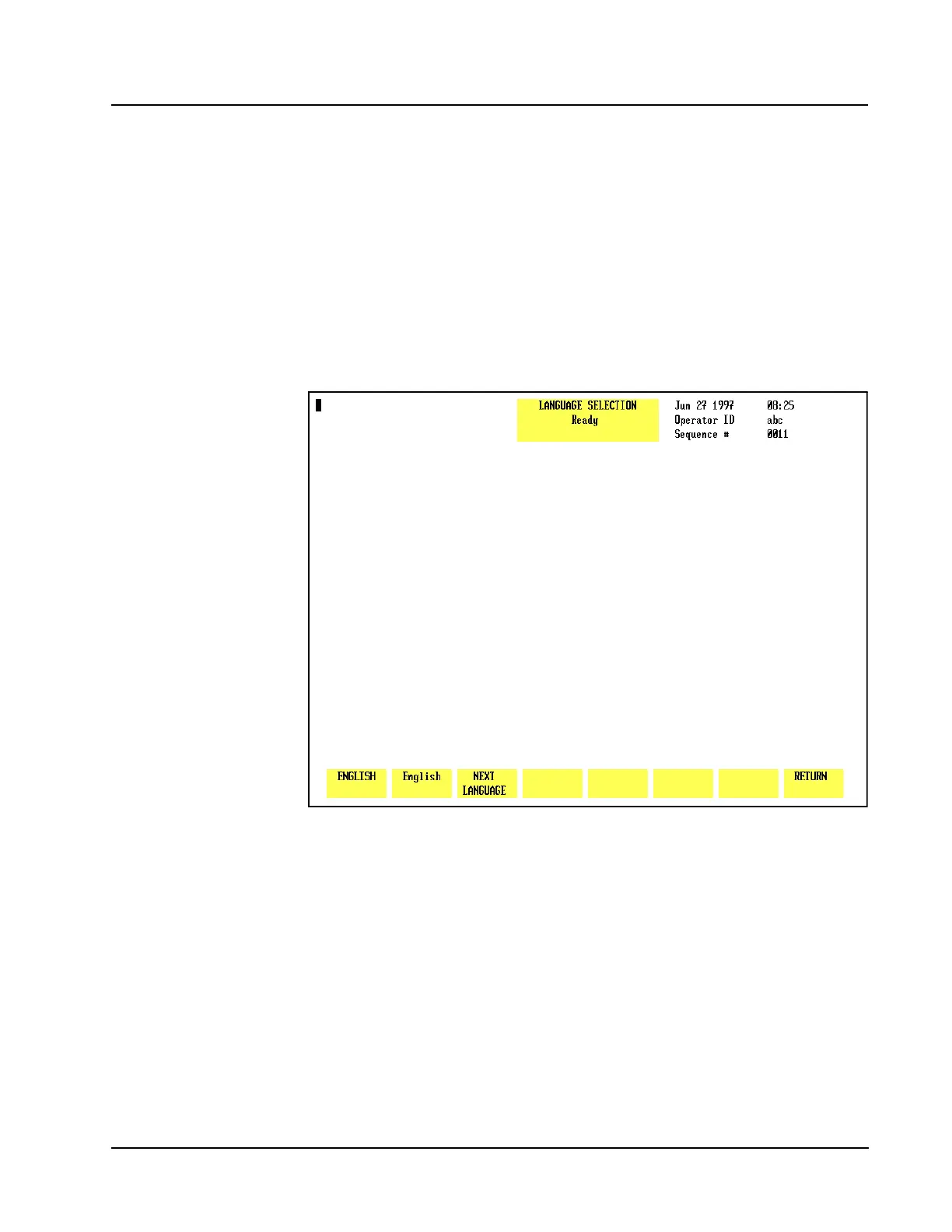
Figure 5.17 Language Selection Screen
Language Selection <(QJOLVKGHIDXOWODQJXDJH>
The LANGUAGE SELECTION screen, shown in Figure 5.17, will allow the user to
select one of the following non-English languages for display and printout:
French
German
Italian
Japanese
Portuguese
Spanish



 To Next Page