5-42
CELL-DYN
®
3200 System Operator’s Manual
9140181K—July 2002
Operating Instructions
Set Up Instructions
Section 5
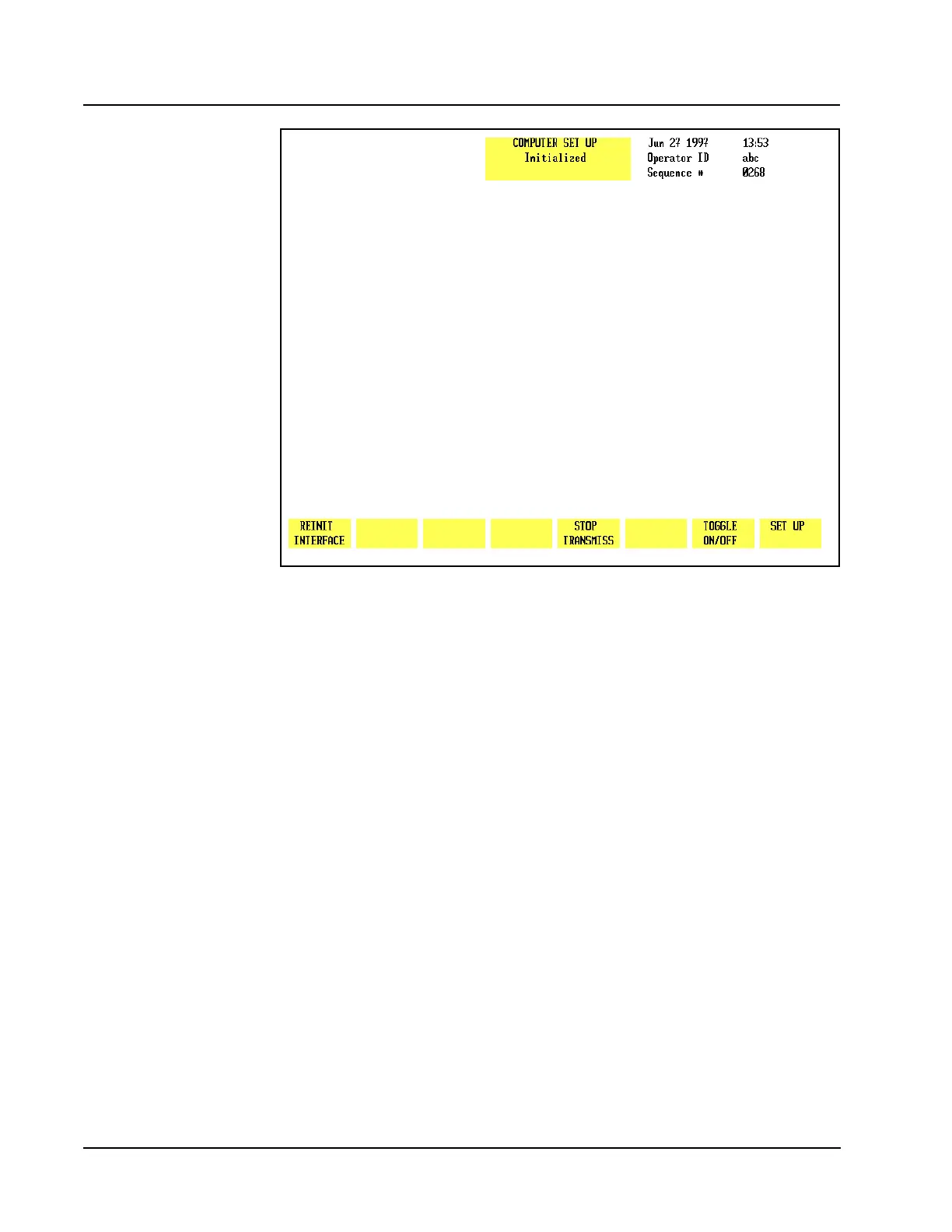
Figure 5.20 Computer Set Up Screen
Computer Set Up Menu
The [COMPUTER SET UP] key is used to display the COMPUTER SET UPscreen (see
Figure 5.20) and the following soft key labels:
REINIT INTERFACE
STOP TRANSMISS
TOGGLE ON/OFF
SET UP
The CELL-DYN 3200 can transmit data to an on-line computer (Laboratory
Information System) using a direct serial link. Data may be transmitted
automatically as each sample is run or at the operator’s request. The
CELL-DYN 3200 also can receive patient information transmitted to it by the
on-line computer.
The COMPUTER SET UP screen is used to configure the transmission format to meet
the requirements of the Laboratory Information System or on-line computer.
Instructions for using this option are given after the following description of the
soft keys.
Reinit Interface
The [REINIT INTERFACE] key is used to initialize the RS-232 interface for the
displayed transmission configuration after it is entered. The interface is
automatically initialized whenever the [STOP TRANSMISS] key is pressed.
NOTE: Refer to the Interface Specification for complete information on
interfacing.
OFF Auto-transmission of ALTERED parameter data
OFF Auto-transmission of NON-ALTERED parameter data
OFF Auto-transmission of ALTERED graph data
OFF Auto-transmission of NON-ALTERED graph data
OFF Transmission CTS enabled
OFF Auto-transmission of extended histogram records
OFF Auto-transmission of scatter data
8 Transmission of Data bits (7, 8)
1 Transmission Stop bits(1, 2)
0 Transmission Parity (0=None, 1=Odd, 2=Even)
0.3 Transmission time out (0.1 to 9.9)
9600 Computer BaudRate (300,600,1200,2400,4800,9600,19200,38400,56000)



 To Next Page