5-50
CELL-DYN
®
3200 System Operator’s Manual
9140181H—October 2001
Operating Instructions
Set Up Instructions
Section 5
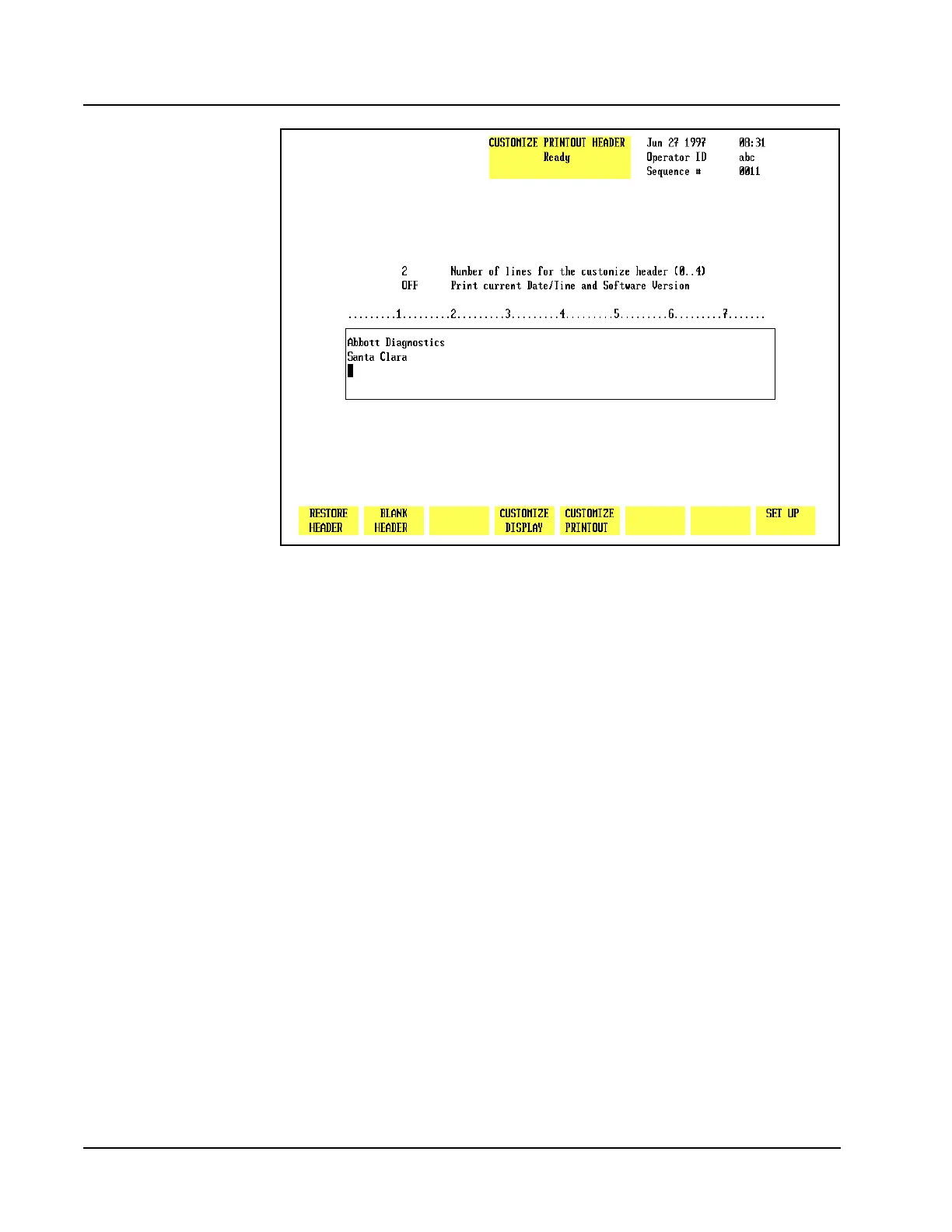
Figure 5.23 Customize Printout Header Screen for the Graphics Report
Customize Header
The[CUSTOMIZE HEADER]key is used to customize the header for the graphics
report. (See Figure 5.23.) Any report printed in a graphics format will be printed
with this header. The following soft key labels are displayed when the[CUSTOMIZE
HEADER]key is pressed:
RESTORE HEADER
BLANK HEADER
CUSTOMIZE DISPLAY
CUSTOMIZE PRINTOUT
SET UP
Restore Header
The [RESTORE HEADER] key is used to restore the header to the previous entry.
This key is only functional immediately after a new header has been entered. Once
a new header is entered and the CUSTOMIZE PRINTOUT HEADER screen has been
exited, the previous header is removed from the memory.
Blank Header
The[BLANK HEADER] key is used to erase the current header.



 To Next Page