CELL-DYN
®
3200 System Operator’s Manual
5-73
9140181H—October 2001
Section 5 Operating Instructions
QC Specimen
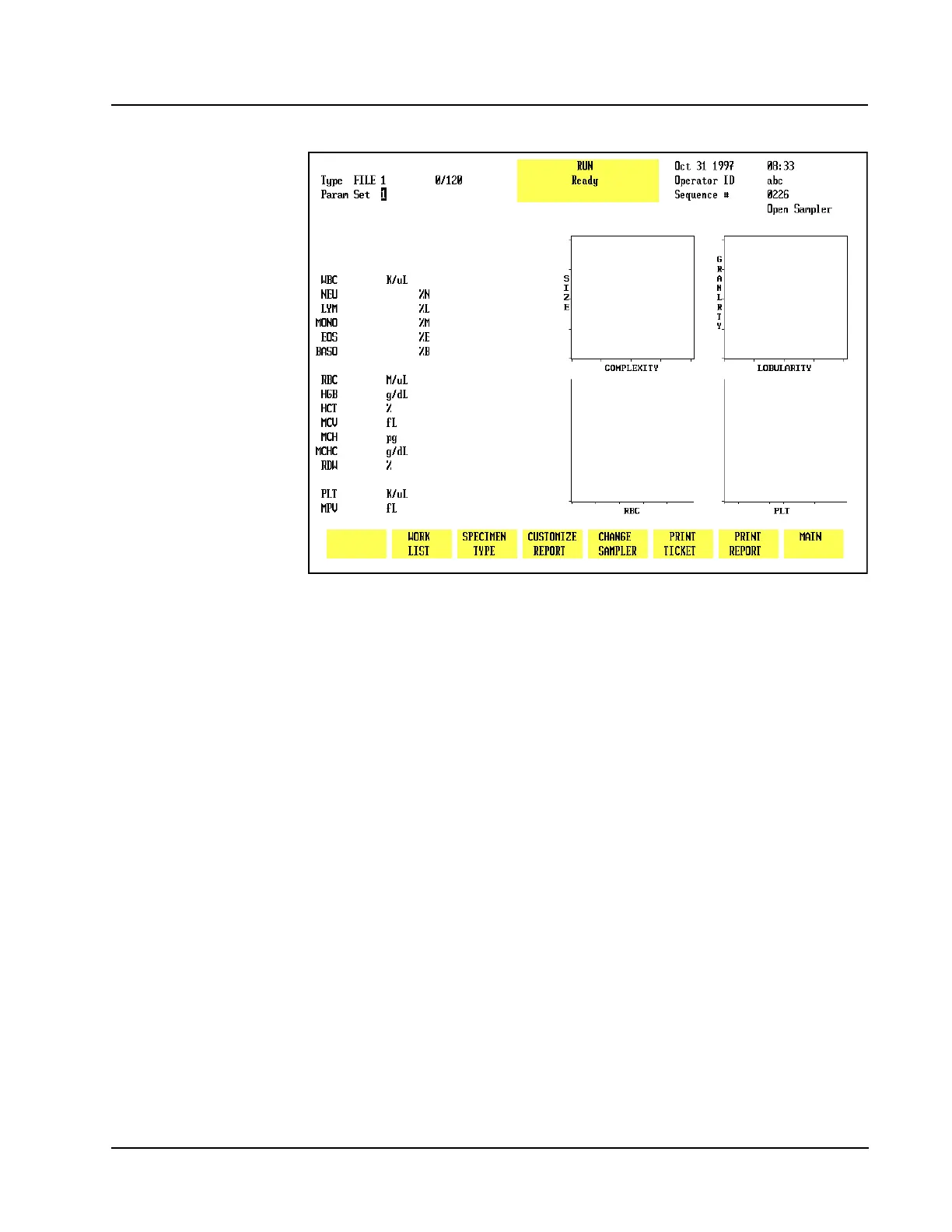
Figure 5.33 Run Screen for a QC File
This key is used to select a QC file designated by the position of the cursor on the
screen. (Refer to Figure 5.31 for a display of QC files). After the cursor is moved to
the desired file, the [QC SPECIMEN] key is pressed to display the 581 screen for the
selected file. (Refer to Figure 5.33.) Results from this run option are stored in the
selected file and in the Data Log.
NOTE: The selected QC file is identified in the upper left section of the screen and
is also identified in the Status Box after the sample has been run.



 To Next Page