CELL-DYN
®
3200 System Operator’s Manual
5-81
9140181H—October 2001
Section 5 Operating Instructions
Laboratory Worksheet
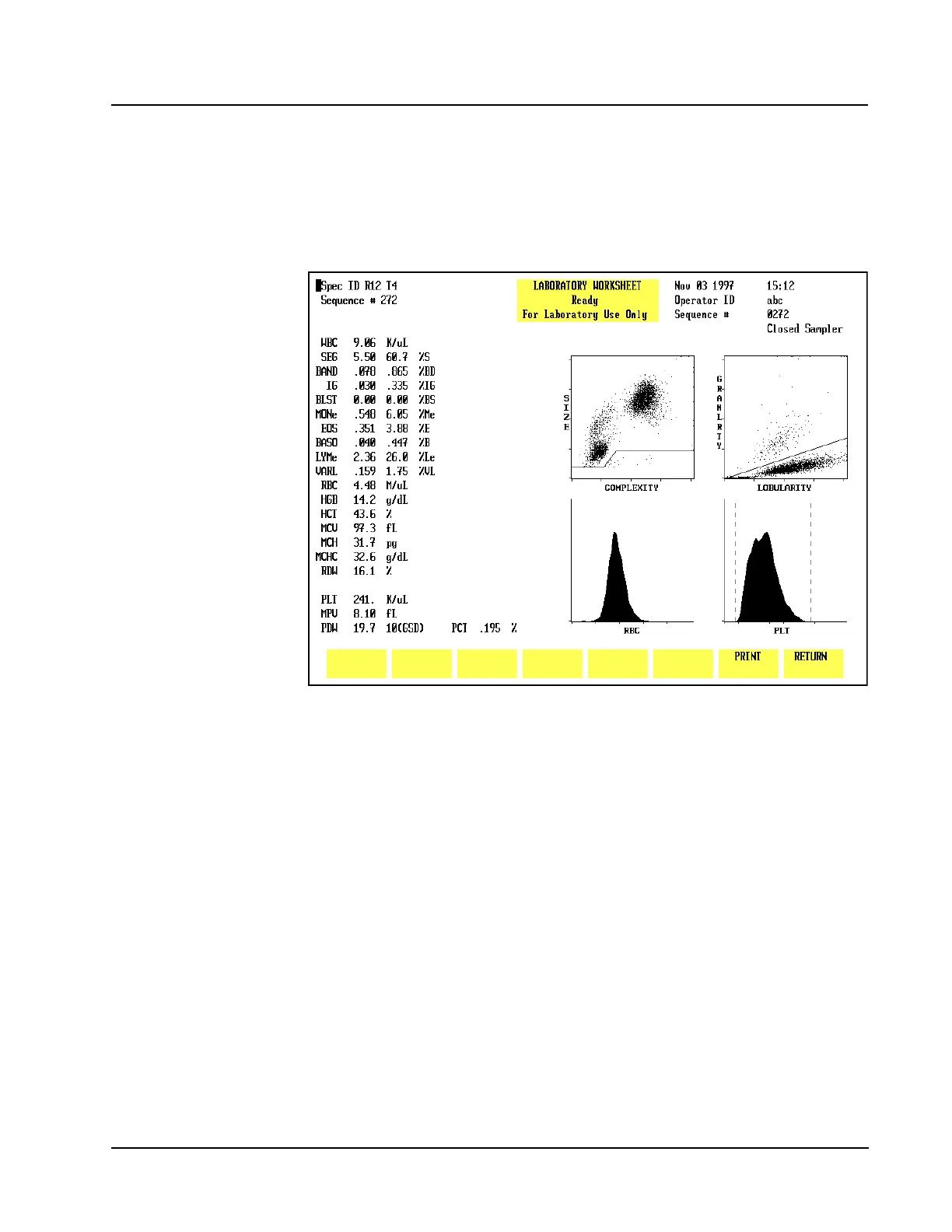
To display the LABORATORY WORKSHEET screen, press the Page Down key on the
keyboard while the RUN menu is displayed or while the DISPLAY SPECIMEN screen
in the DATA LOG menu is displayed.
The LABORATORY WORKSHEET screen displays additional parameters as shown in
Figure 5.40. This screen is for laboratory use only.
Figure 5.40 Laboratory Worksheet Screen



 To Next Page