CELL-DYN
®
3200 System Operator’s Manual
5-111
9140181H—October 2001
Section 5 Operating Instructions
Delete All
The [DELETE ALL] key is used to delete all data from the Work List. When the
[DELETE ALL] key is pressed, the following soft key labels are displayed:
CONFIRM DELETION
CANCEL DELETION
These keys are used to [CONFIRM]or [CANCEL] the Delete All command.
Work List Set Up
Refer to Work List Set Up Procedure below for a discussion of the WORK LIST SET
UP screen and options.
Print Work List
The [PRINT WORK LIST] key is used to print the Work List.
Return
The [RETURN] key is used to return to the RUNscreen.
Work List Set Up Procedure
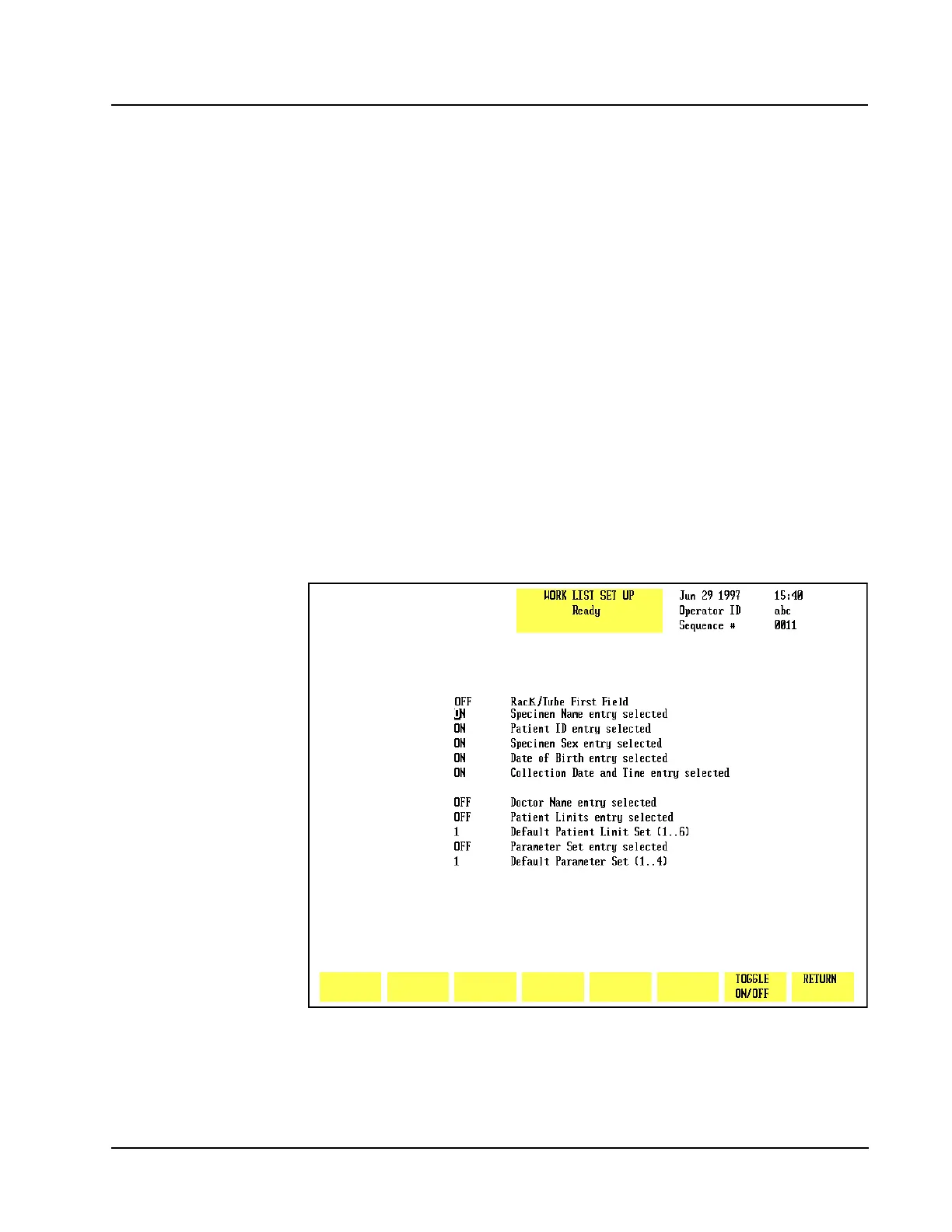
The [WORK LIST SET UP] key is used to display the WORK LIST SET UPscreen
shown in Figure 5.43.
Figure 5.43 Work List Set Up Screen
The WORK LIST SET UP screen consists of nine ON/OFF toggle fields and two
“number” fields.



 To Next Page