5-126
CELL-DYN
®
3200 System Operator’s Manual
9140181H—October 2001
Operating Instructions
Using The Data Log
Section 5
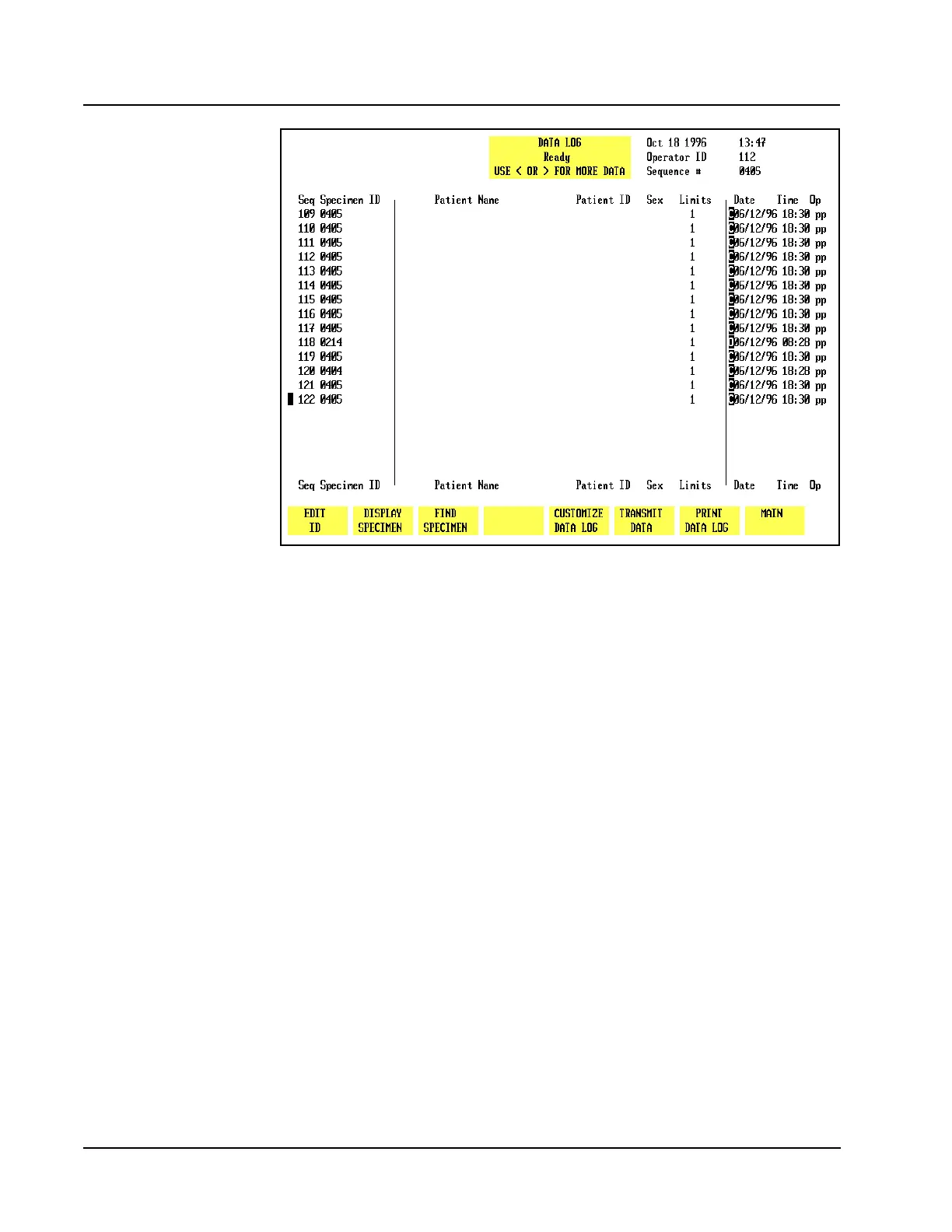
Figure 5.44 Data Log Screen - Page 1
When the [DATA LOG] key is pressed in the MAIN MENU, the DATA LOGmenuand
the following soft key labels are displayed:
EDIT ID*
DISPLAY SPECIMEN
FIND SPECIMEN
REJECT FROM X-B**
CUSTOMIZE DATA LOG
TRANSMIT DATA
PRINT DATA LOG
MAIN
* This key is displayed only if the cursor is positioned next to one of the
following patient record types: Patient, Fragile WBC, and Resistant RBC.
** This key is displayed if the sequence number of the patient record is preceded
by a “b”, “r”, or “w”.



 To Next Page