CELL-DYN
®
3200 System Operator’s Manual
5-129
9140181H—October 2001
Section 5 Operating Instructions
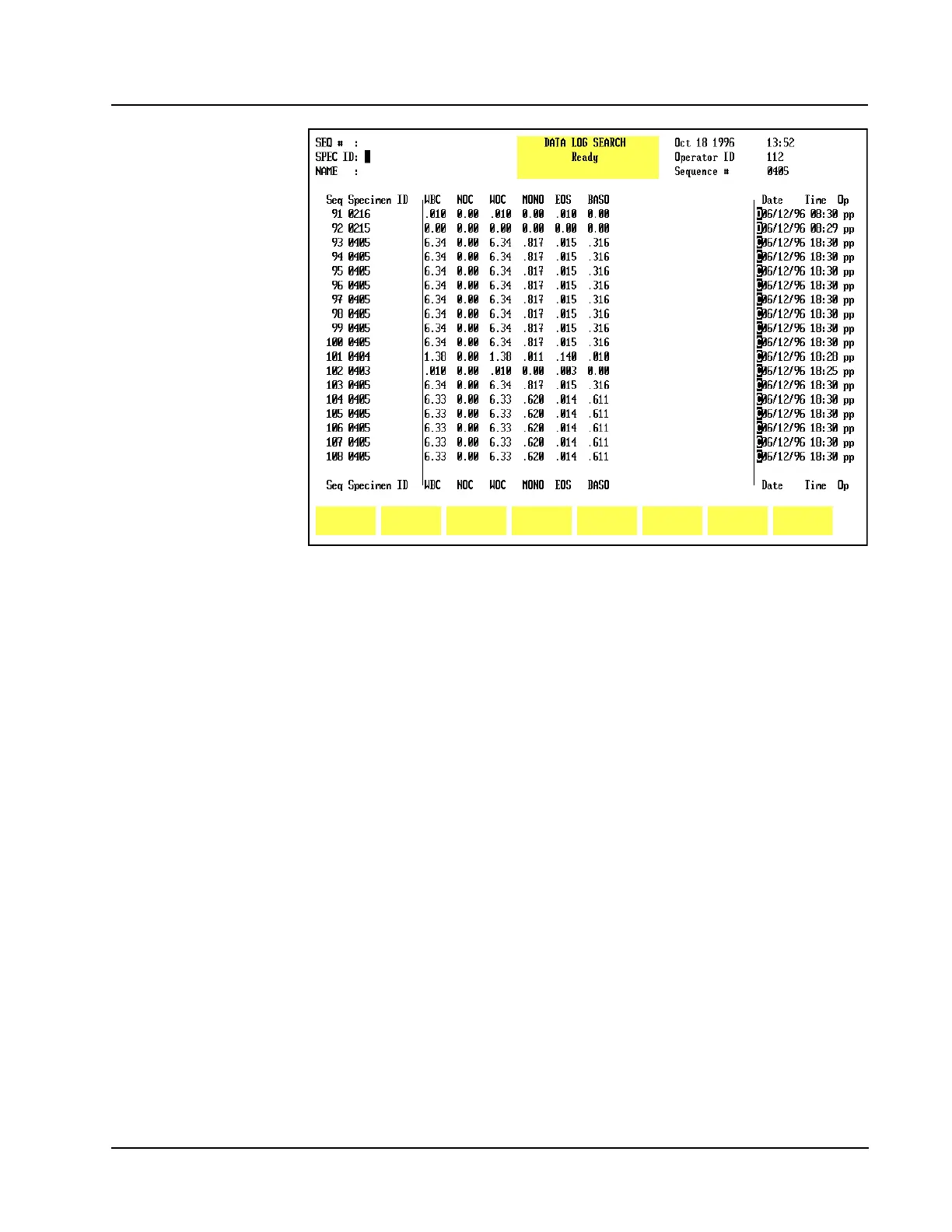
Figure 5.46 Data Log Search Screen
Find Specimen
The [FIND SPECIMEN] key is used to locate a particular record by entering the
Sequence number, Specimen ID number or Patient Name for the desired record.
When this key is pressed, the DATA LOG SEARCHscreen is displayed. (See Figure
5.46.) If the record is not found in the Data Log, the Bulletin line displays the
message: NO ENTRY FOUND.



 To Next Page